
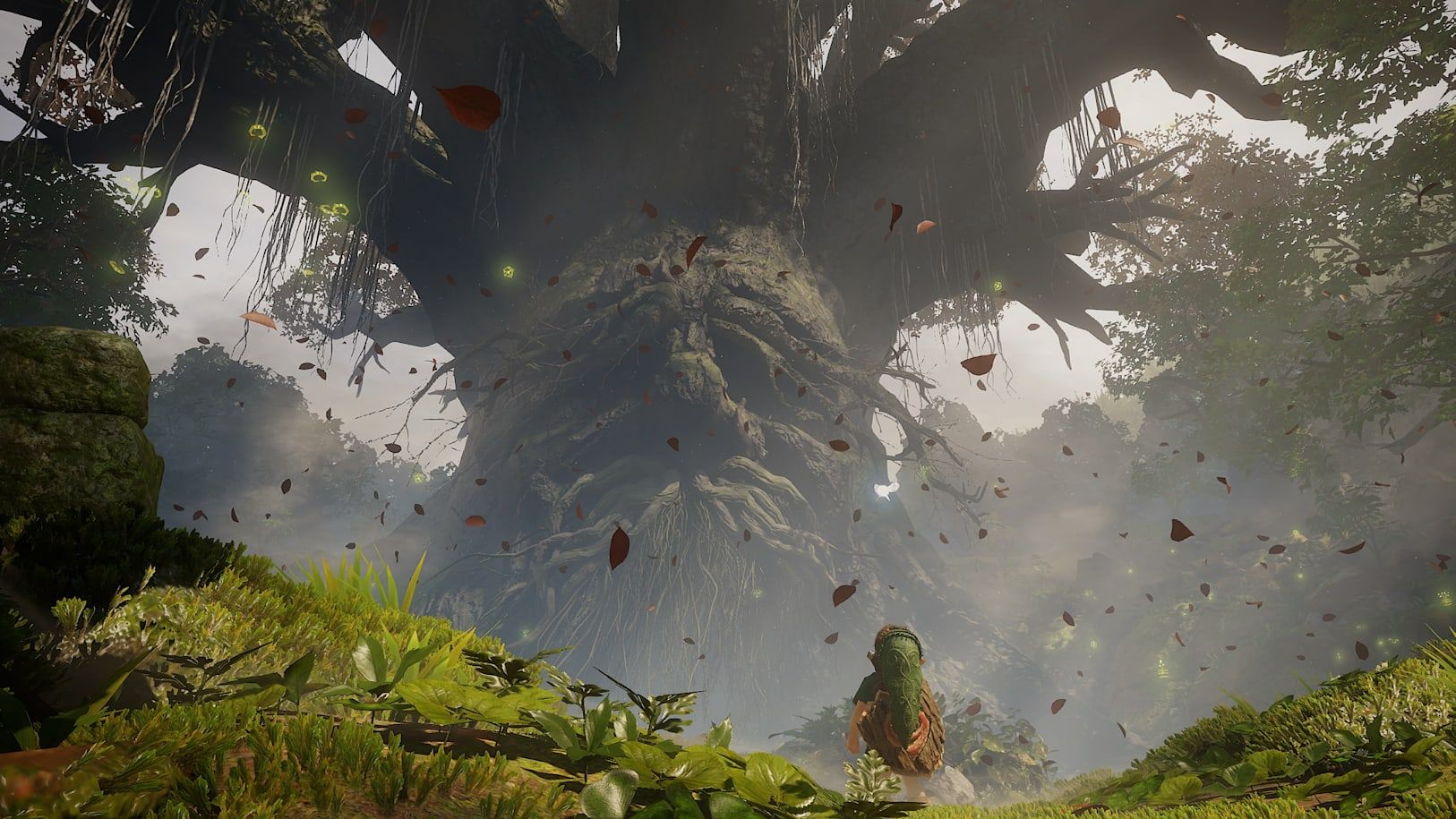

The Ocarina of Time Switch 2 update 1.1.2 fixes a Malon’s Friend progression blocker, while Nintendo Switch Online Zelda icons add a time-limited collector chase.
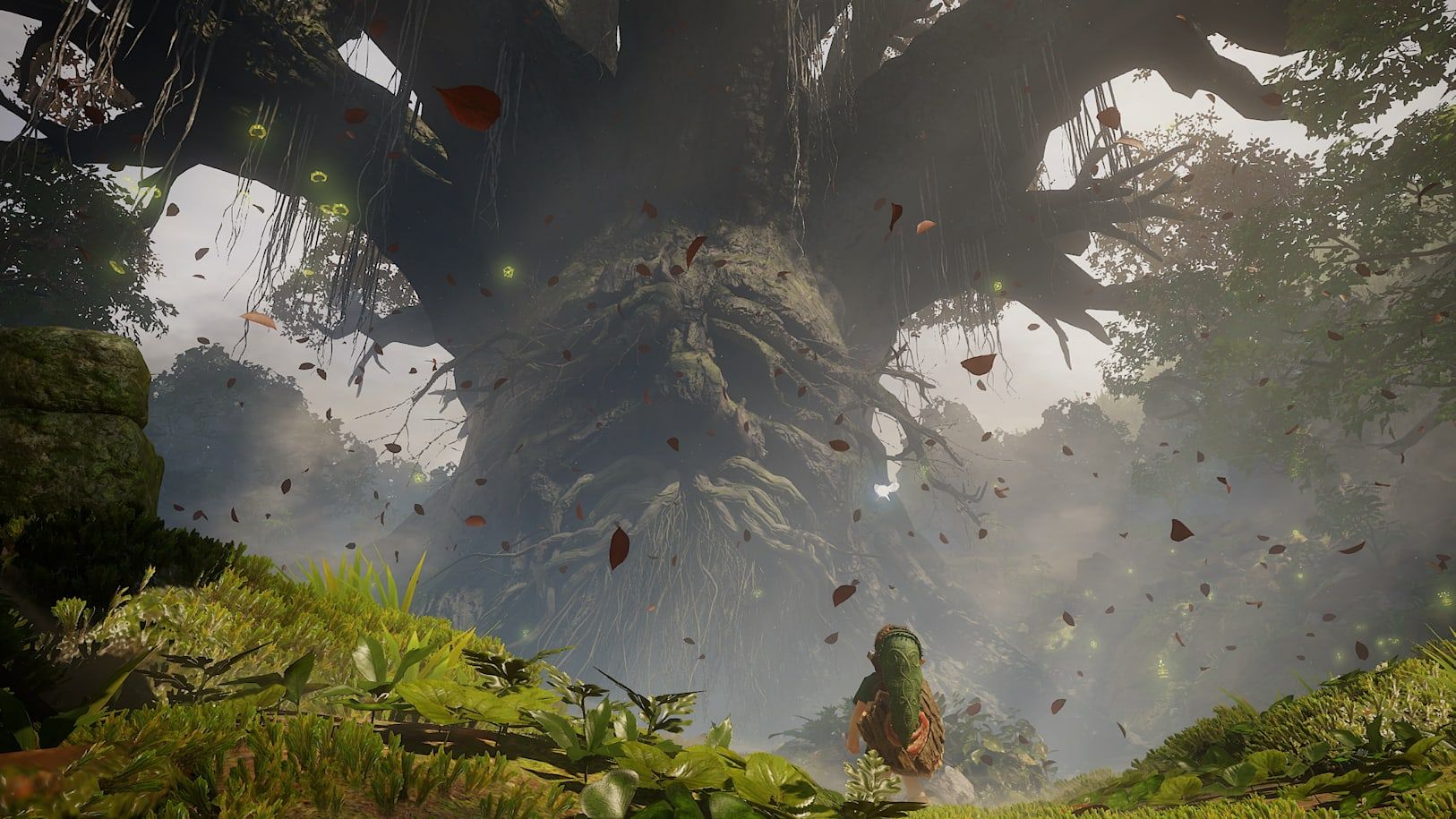
Image: theclick.gg
Ocarina of Time 1.1.2 fixes a progression blocker, but leaves one big question open
Nintendo has pushed The Legend of Zelda: Ocarina of Time on Nintendo Switch 2 to version 1.1.2, and the headline fix is concrete: according to Nintendo’s support update, the patch resolves an issue where the “Malon’s Friend” event could not be progressed. Nintendo also says players who had already hit the bug can continue after downloading the update data.
That makes the Zelda Ocarina of Time update 1.1.2 more important than a routine stability pass for anyone stalled at that event. Ocarina of Time is built around clean forward motion, with each errand, dungeon key, song, and character beat feeding into the next stretch of Hyrule. A broken event is not a cosmetic blemish in that structure. It is a locked gate in a game whose rhythm depends on opening the next one.
The official Ocarina of Time Switch 2 patch notes are brief. Nintendo lists the Malon’s Friend fix, confirms affected saves can proceed after the update, and says it fixed “several issues to ensure a smoother gameplay experience.” Nintendo does not identify those additional issues, provide performance targets, name specific areas, or describe changes to visuals, controls, input timing, loading, or Zelda Notes functionality in the version 1.1.2 notes provided by its support page.
The patch history is already a little messy
There is a small but useful distinction in how outlets are describing this update. Nintendo Everything calls version 1.1.2 the game’s first update since launch and says it is rolling out to all players. Nintendo Life describes it as the second game update, while noting that version 1.1.1 previously added support for the mobile app Zelda Notes. Nintendo Everything also points readers to the day-one update notes for version 1.1.1.
Those accounts are not necessarily in conflict if version 1.1.1 is treated as a launch or day-one update and 1.1.2 as the first post-launch patch, but the difference matters for readers trying to track the state of the Switch 2 release. Version numbers tell a story about what Nintendo is still correcting after release. In this case, 1.1.2 is the first cited update in the supplied material that fixes a specific progression blocker after players had access to the game.
There is also a naming discrepancy in the provided source material. Nintendo’s support notes, as reproduced by Nintendo Life, and Nintendo Everything both refer to the event as “Malon’s Friend.” One supplied listing says “Maron’s Friend.” Because the support page is the official source behind the patch notes, “Malon’s Friend” is the supported name for the event in this article.
How to get the Switch 2 update now
Nintendo’s support page says the November 25, 2026 software update is available for download for The Legend of Zelda: Ocarina of Time on Nintendo Switch 2. It also notes that the update must be applied in order to use the game’s Internet features, while save data remains available after downloading the update.
For most players, there may be little to do. Nintendo says the update will download and install automatically if the console is connected to the Internet and Software Auto-Updates are enabled. Nintendo Everything gives the manual path for anyone who wants to force the Ocarina of Time Switch 2 update immediately: connect the console to the Internet, highlight the software from the Home Menu without starting it, press the plus or minus button, check the version number under the software title, then choose Software Update and Over the Internet.
If you were stopped by the Malon’s Friend bug, the practical advice is simple: update before trying to troubleshoot your save or restart a run. Nintendo specifically says affected players can proceed after downloading the update data. If you never encountered the bug, the case for installing is still strong because the update is required for Internet features, but Nintendo has not given enough detail to promise that every returning player will feel a dramatic difference moment to moment.
The new Nintendo Switch Online Zelda icons create a quieter deadline
The same week the 1.1.2 patch arrived, Nintendo Switch Online’s Ocarina of Time remake icon campaign continued. Nintendo Everything reports that Nintendo began offering Switch Online icons based on the Zelda: Ocarina of Time remake on November 4, with characters, backgrounds, and frames available through the usual My Nintendo Platinum Points setup.
The economy is small but collector-relevant. According to Nintendo Everything, character icons cost 10 Platinum Points each, while backgrounds and frames cost 5 Platinum Points each. Once redeemed, an icon remains tied to the account permanently, even if the user’s Nintendo Switch Online membership later ends. That permanence is the hook. The subscription gives access to the redemption window, but the item does not vanish from the account when the membership lapses.
The time pressure is the rotation. Nintendo Everything says the icon lineup rotates every Wednesday, or early Thursday in Europe, through December 2, 2026. It also updated its post as new batches went live on November 11, November 18, and November 25. For players who treat Nintendo Switch Online Zelda icons like a digital set, the relevant risk is missing a weekly wave rather than missing a traditional storefront purchase.
For collectors, the icons may outlast the patch conversation
Patch notes tend to fade once the worst bug is gone. Profile icons work differently. They sit on an account as small markers of when a player was paying attention, especially when Nintendo ties them to a specific release window and rotates them out on a calendar. Nintendo Everything’s reminder that redeemed icons remain on the account even after Nintendo Switch Online membership ends gives these Ocarina of Time designs a different collector profile from temporary subscription perks.
That does not make them rare in a way Nintendo has officially defined. The source material does not say Nintendo will never rerun these exact icons, nor does it provide a complete visual inventory in text form. What is confirmed is narrower: Ocarina of Time remake icons are being distributed through Nintendo Switch Online, they cost Platinum Points, they rotate weekly, and the current rollout is scheduled through December 2, 2026.
For players who care about having a matching Link, Zelda, background, and frame setup, the best move is to check the Nintendo Switch Online icon section before each weekly rotation passes. For everyone else, the icons are an account-level souvenir arriving alongside the game’s early patch cycle, a reminder that Nintendo is managing Ocarina of Time on Switch 2 as both software to maintain and a release to keep visible across the system interface.
Does update 1.1.2 make the Switch 2 version worth returning to?
If your Ocarina of Time Switch 2 run was blocked by Malon’s Friend, version 1.1.2 is a meaningful fix. Nintendo’s notes directly address that problem and say previously affected players can proceed. In that situation, the update changes the answer from wait to resume.
If you left because you were hoping for new content, the supplied patch notes do not support that expectation. Nintendo has not announced Master Quest, additional dungeons, new story material, or specific new gameplay features as part of version 1.1.2. Nintendo Life’s comment section excerpt shows some players are already asking for extras such as Master Quest, but those are community wishes, not announced patch contents.
For returning players who already cleared the game or never hit the progression issue, the update is best read as repair work. The vague “smoother gameplay experience” line could cover meaningful fixes, but Nintendo has not itemized them. That makes it hard to recommend a replay on technical grounds alone without independent performance testing or more detailed official notes. The stronger reason to boot it up this week is practical: update the game, confirm your version, rescue any affected save, and, if you collect account cosmetics, spend Platinum Points before the Nintendo Switch Online Zelda icons rotate out.