
A practical guide to Xbox virtual currencies in free-to-play games, including premium bundles, Microsoft Store wallet friction, refund uncertainty, and family spending controls.
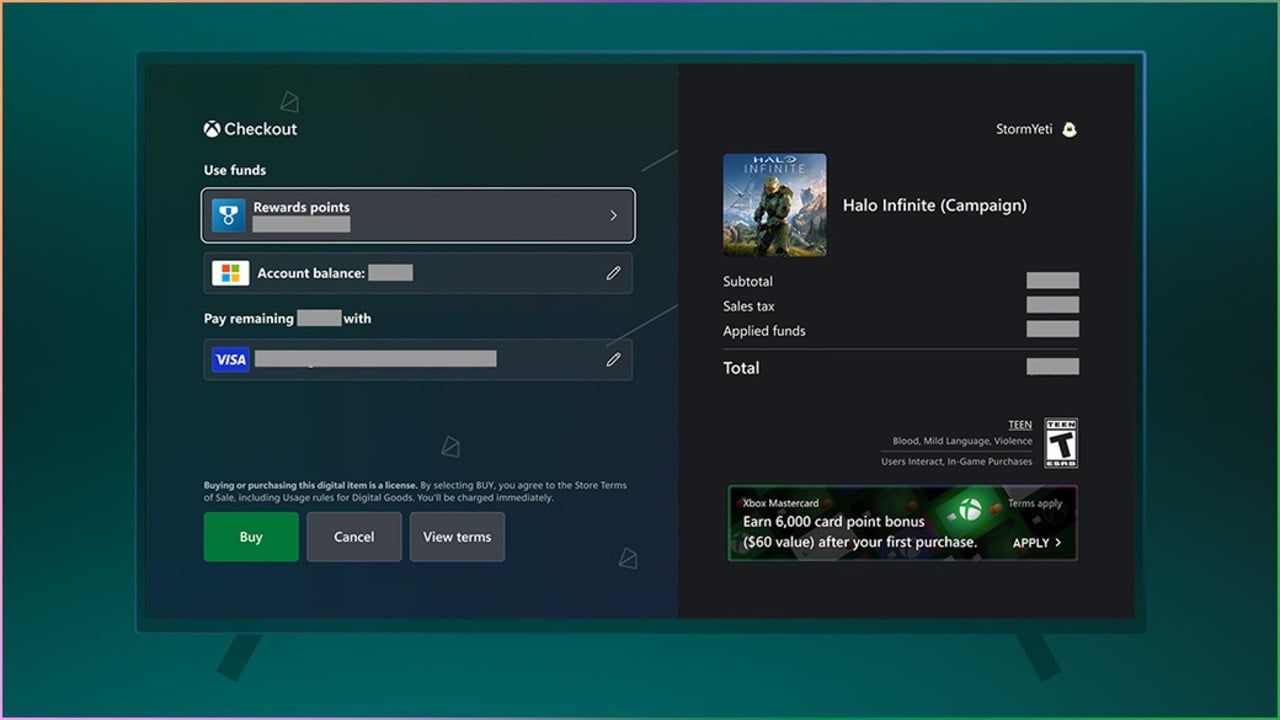
Image: purexbox.com
Free Games Still Have Economies Attached
The most important thing to understand before buying add-ons in Xbox free-to-play games is that the download price tells only part of the story. As Wikipedia’s overview of the free-to-play model puts it, these games give players access to a significant portion of their content without an upfront purchase, but they commonly earn revenue through microtransactions for cosmetics, gameplay content, faster progression, or competitive advantages. That is the trade players meet the moment a free game starts showing starter bonuses, store tabs, event rewards, battle passes, or premium currency bundles.
TheXboxHub’s recent explainer on virtual currencies in Xbox free-to-play games describes the familiar structure: players may earn soft currency from matches, receive event-specific tokens during limited promotions, and encounter rotating stores where new items appear regularly. The tension is simple. The game may be free to start, but the economy inside it is designed around repeated decisions about time, attention, and money.
That does not automatically make every system predatory, and the sources here do not support treating every free-to-play store the same way. Some purchases are cosmetic. Some are progression-related. Some systems let players earn a meaningful amount through play. Others push the paid lane harder. For Xbox players, the practical question is less philosophical and more operational: before you buy a bundle of premium currency, do you know where that money is going, what the currency can actually buy, whether it stays locked to that game, and what happens if you regret the purchase?
Soft Currency, Premium Currency, and Event Tokens Serve Different Jobs
Most free-to-play economies separate currencies by purpose. TheXboxHub points to soft currency earned from matches, limited-time event tokens, and premium-style rewards sitting inside virtual wallets. Those labels matter because each currency usually answers a different design problem.
Soft currency is the retention layer. It gives players a reason to keep playing matches, clearing challenges, or logging in. It can make a session feel productive even when no real-money purchase is involved. Event tokens are the urgency layer. By being tied to a limited-time promotion, they encourage players to show up during a specific window and spend before the event ends. Premium currency is the monetization layer. It is usually sold in bundles and then exchanged inside the game for skins, passes, boosts, or other add-ons.
The important strategic distinction is control. A player can often influence how quickly soft currency is earned by playing more or playing better. Event currency depends on the schedule the developer sets. Premium currency depends on the store bundle, the exchange rate, and the item pricing chosen by the publisher or developer. TheGWW’s broader piece on virtual economies frames the same risk in economic terms: studios control the money supply and the rules of ownership, and they can change systems with an update. That observation was made in the context of virtual economies broadly, including Counter-Strike 2’s skin market shock, but the principle is relevant for Xbox free-to-play games currency as well. The rules inside the economy are not neutral terrain. They are live-service design choices.
Premium Bundles Are Built Around Breakage and Conversion Fog
The sources provided do not list specific Xbox Store prices for currency packs, so this should be read as a buying principle rather than a claim about one game’s current catalog. Premium currency bundles create a layer between real money and the item being purchased. Instead of asking whether a skin is worth a specific cash price, the game asks whether a bundle of coins, credits, gems, or points gets you close enough to the item price.
That conversion layer is where players lose clarity. If an item costs 1,500 premium credits and the store sells 1,000-credit and 2,800-credit packs, the real purchase decision is not only about the item. It is also about leftover balance. That remainder has value only if you keep playing, only if future store items interest you, and only if the game continues to support the currency in a way that benefits you.
This is where Xbox premium currency explained plainly becomes a budgeting issue. A premium currency balance is useful inside the game that recognizes it. It is not the same as cash in your bank account, and the supplied sources do not support treating it as transferable value. TheGWW’s concept of “exit value” is the sharp lens here: what is a digital purchase worth when you stop playing, or when the developer changes the rules? In most free-to-play console games, the answer is limited to the enjoyment or utility you already received in that ecosystem.
That does not mean players should never buy currency. It means the cleanest purchase is one where the bundle closely matches a specific item you already want, in a game you actively play, under current store rules you understand. Buying extra because the larger pack has a better rate only works if you are confident you will spend the surplus meaningfully later.
Xbox Wallet Rules Add Another Layer Before the Game Gets Paid
On Xbox, players are also dealing with platform payment infrastructure before the in-game currency appears. TheXboxHub’s article about buying Xbox games and gift cards with cryptocurrency states that the current Xbox infrastructure does not support direct crypto-to-game transactions. According to that piece, players who hold assets such as Ethereum, Litecoin, or stablecoins would need an intermediary layer, typically by converting value into digital vouchers for use through the Microsoft Store ecosystem.
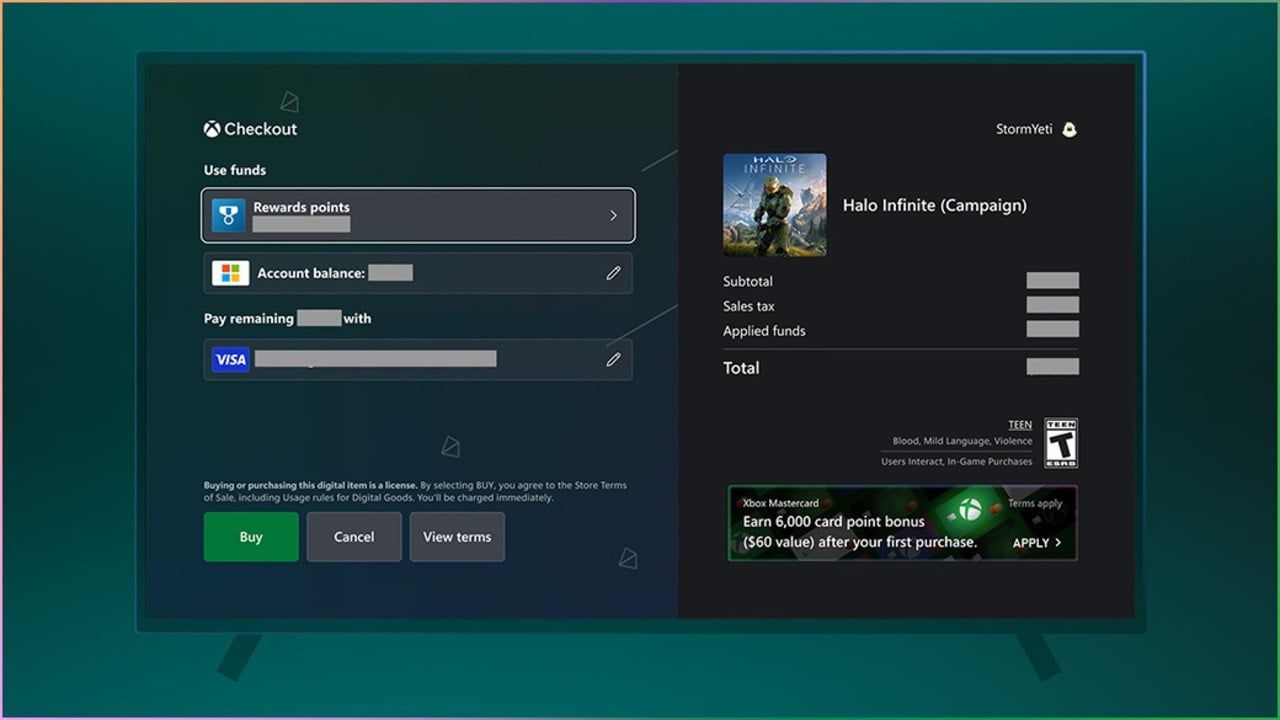
That detail is useful even for players who never touch crypto because it shows how platform routing works. The game may present the currency shop, but the purchase still sits inside a broader Xbox and Microsoft Store payment environment. Money moves through an account, a payment method, a gift card, or store credit before the game credits the virtual currency.
For parents and budget-conscious players, that platform layer is both a convenience and a risk point. A loaded account balance can make purchases feel less immediate than a card charge. Gift cards can help cap spending, but they also become spendable value once redeemed. If a child account or shared console has access to purchasing, the friction between wanting a skin and completing a transaction can be much lower than expected.
The provided source material does not establish the full current Microsoft refund policy, wallet expiration terms, regional rules, or family settings workflow. Because of that, the safest practical guidance is to verify the rules directly in the Xbox account and Microsoft Store purchase flow before buying. Check which account is signed in, which payment method is active, whether the purchase is a consumable currency bundle or a durable add-on, and whether the game credits currency immediately. Those details determine your real options after checkout.
Refunds Are the Area Players Should Treat Most Cautiously
Refunds are where virtual currency purchases become especially unforgiving. The sources supplied for this article do not provide Microsoft’s specific refund criteria for Xbox virtual currencies, nor do they confirm how individual publishers handle spent or unspent premium balances. That absence matters. If a store page or support article does not clearly say a currency purchase is refundable, players should not plan around getting the money back.
The reason is structural. Premium currency is often a consumable entitlement. Once credited, it can be exchanged for in-game items, battle pass tiers, boosts, or limited-time offers. If that happens, the transaction may involve both the platform holder and the game operator. The platform can process the payment, while the developer or publisher controls the in-game balance and inventory. When those systems interact cleanly, players barely notice. When a buyer changes their mind, the chain becomes more complicated.
There is also a timing problem. Limited-time stores and rotating offers, which TheXboxHub identifies as common parts of these virtual wallets and reward loops, push quick decisions. Refund processes move in the opposite direction. They require review, eligibility checks, and account history. A purchase made to catch a closing shop window may be spent before the player has calmly evaluated whether it was worth it.
The practical rule is to pause before buying currency for a future maybe. If you are purchasing for a specific item, confirm the item is still available, confirm the account is correct, and confirm the bundle size. If the currency is for a child or family member, set the spending boundary before the store opens, not after the receipt arrives.
Parental Spending Controls Are Part of the Strategy, Not an Afterthought
The assignment here is about Xbox spending controls, but the provided sources do not include Microsoft’s step-by-step family settings documentation. So the responsible distinction is this: the need for parental controls is strongly supported by the way free-to-play economies operate, while the exact setup process should be checked through Xbox and Microsoft’s current account tools.
Free-to-play games are built for recurring engagement. TheXboxHub describes starter bonuses, limited-time stores, weekly item refreshes, and event currencies as part of the experience. Wikipedia’s free-to-play overview notes that revenue commonly comes from microtransactions. Put those together and the parent’s problem becomes predictable. A child is not facing one purchase decision. They are facing a sequence of small purchase prompts, many of them wrapped around timers, rewards, and social comparison.
Good household strategy starts with separating play access from spending access. A game can be free to download while paid add-ons remain restricted. Gift cards can set a fixed ceiling, but only if the child understands that the balance is finite and if additional payment methods are not freely available. Account-level purchase approval, spending limits, and removal of saved payment methods are the types of controls families should look for in the Xbox ecosystem, but the exact names and menus should be confirmed in current Microsoft support materials before relying on them.
The deeper point is that controls should match the game’s economy. A cosmetic-only store requires one conversation. A game that sells faster progression or power-related advantages requires another, because Wikipedia’s free-to-play summary specifically notes that some microtransactions can affect progression speed or competitive advantage. Parents do not need to master every meta. They do need to know whether a purchase changes appearance, access, speed, or power.
The Smart Buy Is the One That Survives the Next Patch
Virtual currencies in Xbox free-to-play games are best approached like live-service resources rather than permanent goods. The game can change, the store can rotate, the event can end, and the value of a balance can shift when the developer updates prices, rewards, or item availability. TheGWW’s example from Counter-Strike 2 is extreme, with Pricempire figures reported by Dust2.us showing a skin market losing more than $1.7 billion in market cap after a Valve update changed trade-up dynamics. Xbox free-to-play currency bundles are not the same as a third-party skin market, but the broader lesson holds: players operate inside economies whose rules are set elsewhere.
That is the lens I would use before any purchase. First, identify the currency type. Earned soft currency, event tokens, and paid premium currency do not carry the same risk. Second, price the item in real money, not in fictional units. Third, assume leftover premium balance has value only if you will keep playing. Fourth, check platform payment routing, especially if gift cards, wallet funds, or family accounts are involved. Fifth, do not count on a refund unless the relevant Xbox, Microsoft Store, or publisher policy clearly supports one.
Free-to-play can be a good deal when the spending is deliberate. It becomes expensive when the economy makes small decisions feel detached from real money. Treat every premium bundle as a strategic commitment to that game’s current rules, and you will make better calls than the store timer wants you to make.