
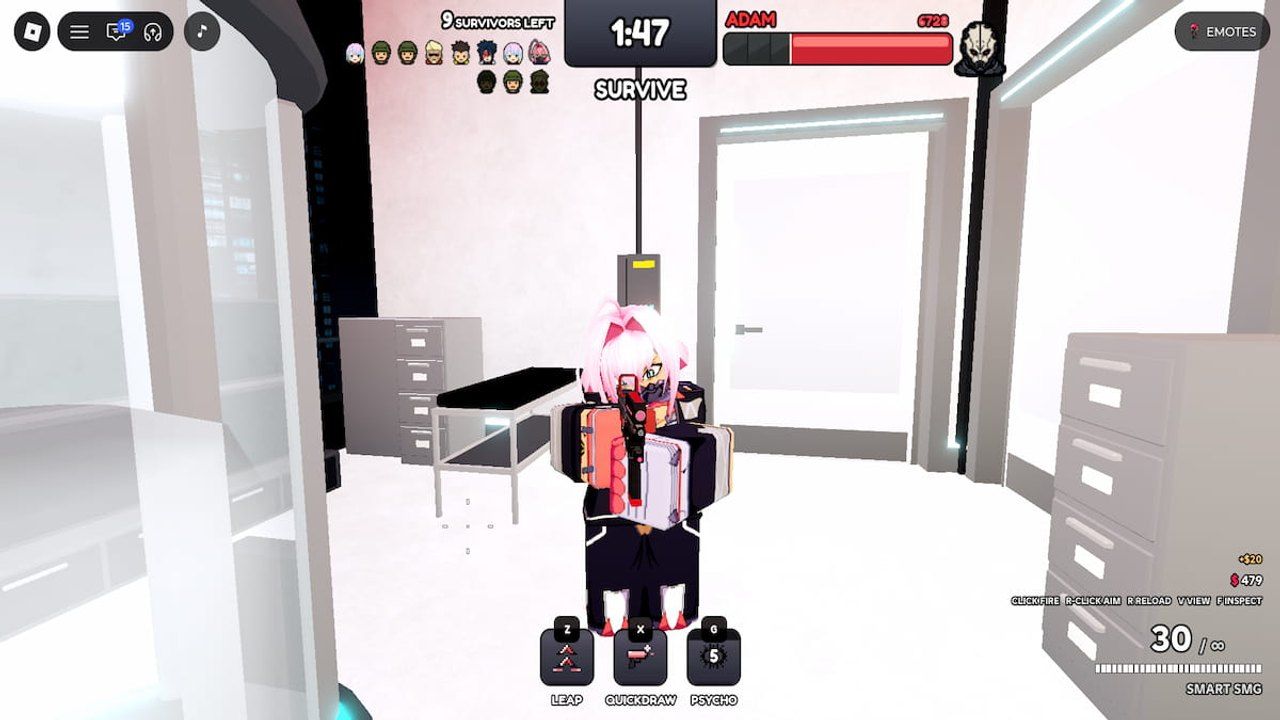

A practical guide to current Roblox Survive a Psycho codes, disputed expired codes, rewards, and the safe in-game redemption steps players should use.
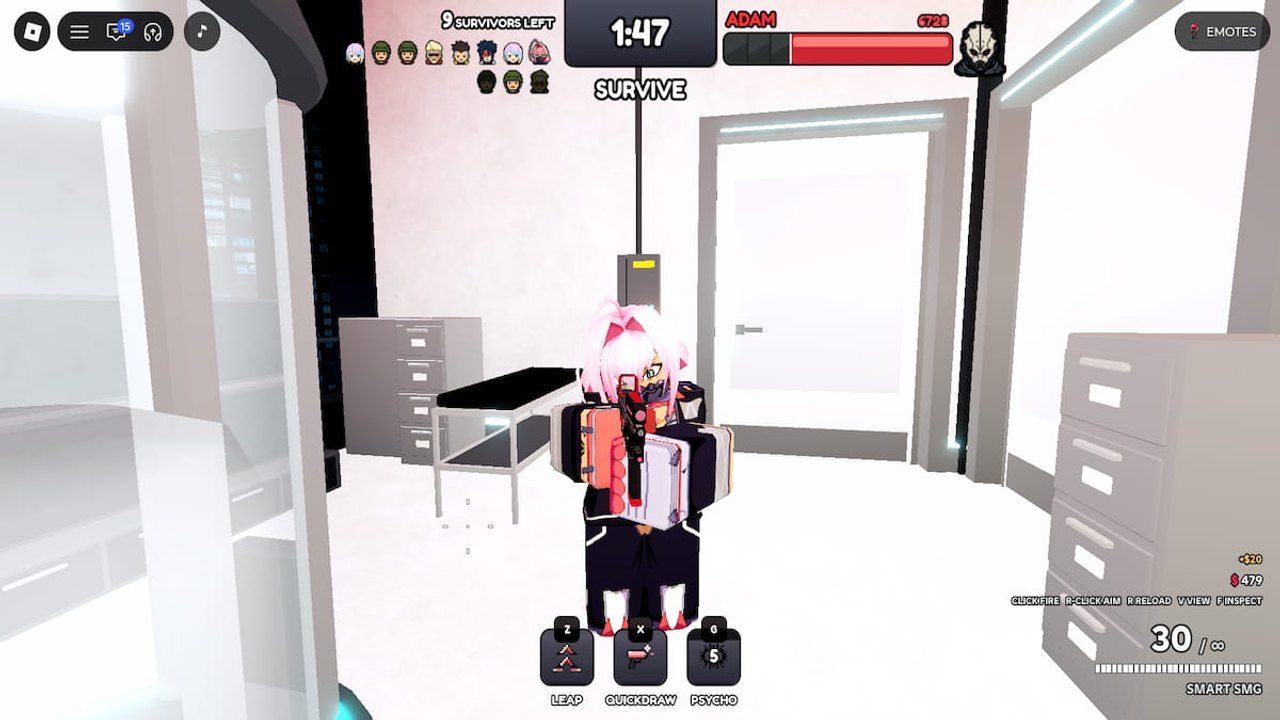
Image: surviveapsychogame.wiki
New codes are live, but the active list is already disputed
Two new Survive a Psycho codes appeared across Roblox code trackers on November 12, 2026: PREPARE4UPDATE for three Spins and THANKS4PLAYING for one Emote Roll. PCGamesN, Pro Game Guides, Destructoid, GamesRadar+, and Twinfinite all list those two codes as current additions, which makes them the safest first claims for anyone logging in today.
The tension sits in the rest of the list. Pro Game Guides, Destructoid, Twinfinite, and the recent GamesRadar+ update all present six active Roblox Survive a Psycho codes, adding UPDATESPINS, UPDATECASH, EMOTEROLLS, and SKINROLL to the two newer codes. PCGamesN, however, lists only PREPARE4UPDATE and THANKS4PLAYING as new working codes and marks UPDATESPINS, UPDATECASH, EMOTEROLLS, and SKINROLL as expired alongside SORRY4SHUTDOWN.
For players, that means this is a claim-and-verify situation rather than a clean list. Redeem the two codes every source agrees on first, then try the four disputed codes in-game. Roblox codes can expire without much ceremony, and the redemption box is the only authority that matters once you are inside Survive a Psycho.
Active Survive a Psycho codes to try first
The strongest current Survive a Psycho rewards are tied to the two codes reported as new by every cited outlet. PREPARE4UPDATE gives three Spins, according to PCGamesN, Pro Game Guides, Destructoid, Twinfinite, and GamesRadar+. THANKS4PLAYING gives an Emote Roll, with PCGamesN calling it one emote reroll and the other guides listing it as an Emote Roll reward.
The broader active pool reported by Pro Game Guides, Destructoid, Twinfinite, and GamesRadar+ includes four additional codes. UPDATESPINS is listed as three Spins. UPDATECASH is listed as 5,000 Cash. EMOTEROLLS is listed as two Emote Rolls. SKINROLL is listed as one Skin Roll. Because PCGamesN currently places those same four codes in its expired section, treat them as worth testing rather than guaranteed.
If you are short on time, the practical order is simple: redeem PREPARE4UPDATE, redeem THANKS4PLAYING, then paste in UPDATESPINS, UPDATECASH, EMOTEROLLS, and SKINROLL before assuming they are dead. Codes are case-sensitive often enough in Roblox experiences that copying them exactly is the lowest-friction approach.
Expired codes and the current conflict
There is no single agreed expired list at the time reflected by these November 12 sources. PCGamesN lists SORRY4SHUTDOWN, UPDATESPINS, UPDATECASH, EMOTEROLLS, and SKINROLL as expired. Destructoid and Twinfinite state that there are currently no expired Survive a Psycho codes, while Pro Game Guides lists the latter four codes as active and does not include them in an expired section.
That conflict matters because four of the five PCGamesN expired entries are still presented elsewhere as usable rewards. SORRY4SHUTDOWN is the only code in the supplied sources that appears solely as expired and is not also listed as active by the other guides. The safest expired-code handling for readers is to consider SORRY4SHUTDOWN likely expired, while treating UPDATESPINS, UPDATECASH, EMOTEROLLS, and SKINROLL as disputed until the Roblox redemption prompt confirms their status for your account.
If one of the disputed codes fails, check that it was entered without spaces before or after the code. If it still fails, the code may have expired for the live build you are playing, even if another tracker has not yet updated its page.
How to redeem Survive a Psycho codes in Roblox
Every cited guide describes the same in-game redemption path. Launch Survive a Psycho on Roblox, open the Settings menu by selecting the cogwheel button, paste the code into the text box, and press Redeem. Pro Game Guides and Twinfinite identify the cogwheel as being in the upper-right area of the interface, and Destructoid gives the same Settings-menu route.
You do not need to leave Roblox, install a browser extension, or enter your Roblox password into any external page to redeem these codes. The supported flow described by the guides happens inside the Survive a Psycho experience itself. That is the cleanest way to avoid the usual code-hunting trap: a page or tool promising rewards while asking for account access the game’s own redemption system does not require.
If a code is valid, the reward should be applied after you press Redeem. If the box rejects it, the likely explanations are expiration, a typo, an already-redeemed code, or a temporary mismatch between a guide’s list and the game’s current server state.
What the rewards do before the next chase begins
Survive a Psycho is described by Pro Game Guides as a team-focused Roblox experience where rogue AI creates the threat, with players either fighting to stop it or taking on the AI role themselves. Twinfinite frames it as an asymmetric experience, while Destructoid points to survivor pressure and character/class rolls as part of the progression chase.
That is why Spins are the most immediately useful reward in the current code pool. Pro Game Guides says Spins are used to roll for Classes, with Mythic Classes described as the rarest and as offering a significant stat boost that can help players survive longer in matches. The same guide notes that if players run out of Spins, earned match cash can be spent to get more.
Cash and rolls serve different needs. UPDATECASH, if it works for you, is listed as 5,000 Cash by Pro Game Guides, Destructoid, and Twinfinite. EMOTEROLLS and THANKS4PLAYING are cosmetic or expression-focused rewards rather than raw survival tools. SKINROLL, where active, gives a Skin Roll. In a horror-survival loop where pressure rises fast and the killer role can turn a map into a panic room, class-related Spins are the rewards to prioritize before chasing style.
Where new Roblox horror codes are likely to appear
Pro Game Guides points players toward the Survive a Psycho Discord server and the Riding the Edge Roblox group for updates, announcements, and possible code drops. Destructoid also identifies the Discord as the current community hub and says fans want a Trello, but that, so far, the Discord is what is available for official information, events, giveaways, game nights, and general channels.
That matters because codes for Roblox horror games often arrive around updates, milestones, shutdown apologies, or community events. PCGamesN says Survive a Psycho codes mostly appear around updates, while also noting that events and milestones can produce freebies. The newly reported PREPARE4UPDATE code fits that update-centered pattern.
For players who only want the rewards and not the noise, the most efficient routine is to check the in-game code box whenever there is a visible update, then compare community channels with reputable code trackers. When sources disagree, as they do right now over UPDATESPINS, UPDATECASH, EMOTEROLLS, and SKINROLL, let the Roblox client settle it. In Survive a Psycho, the dark is already crowded enough without trusting a stale list blindly.