
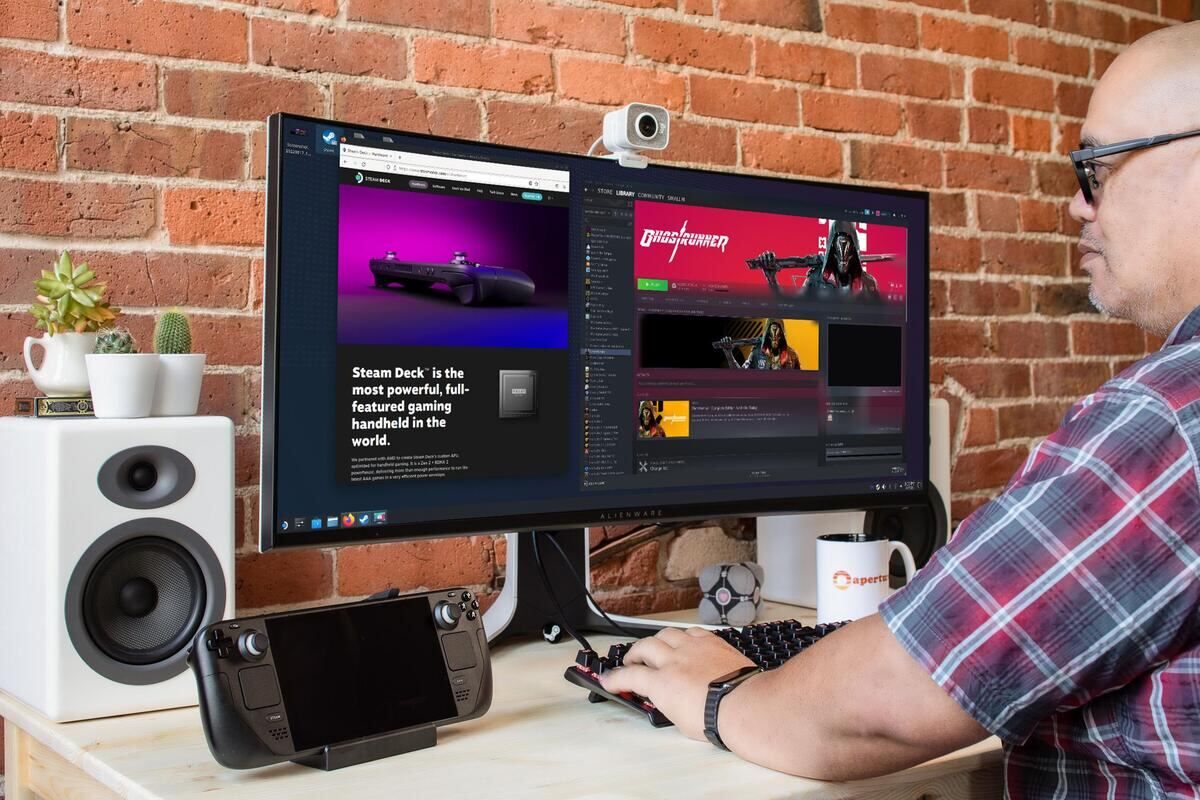

Valve's SteamOS 3.10.0 Preview adds HDMI 2.1 VRR, FRL and ALLM support for AMD graphics, plus NVIDIA Mesh Shaders, but the Preview branch remains risky for daily Steam Deck setups.
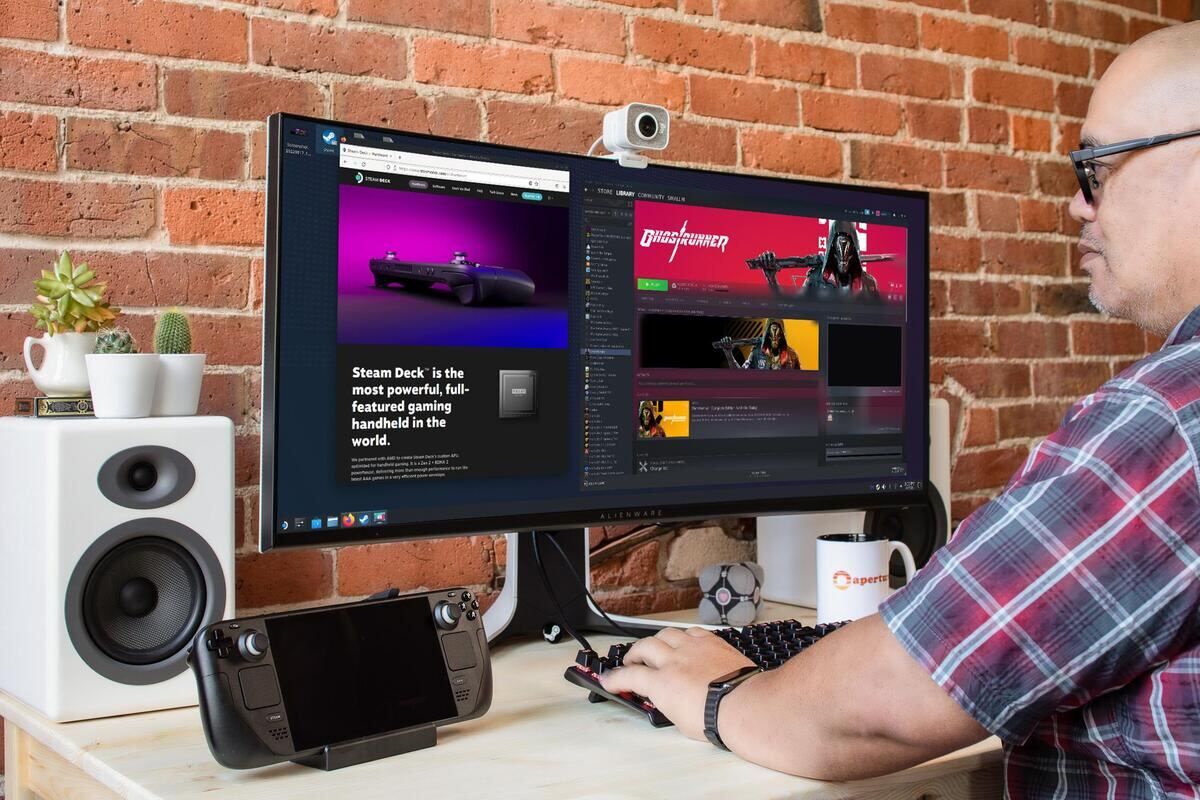
Image: news.mynavi.jp
Valve’s HDMI 2.1 update is real, but it lands in the risky branch
Valve has released SteamOS 3.10.0 Preview with one of the most important external-display changes SteamOS has seen in a while: AMD graphics now support HDMI 2.1 VRR, FRL and ALLM, according to Valve’s patch notes as reproduced by GamingOnLinux, Steam Deck HQ and other Linux gaming outlets. The catch is equally important. This is a Preview build, and Valve describes it as early testing software that may contain unexpected bugs or stability issues.
That tension defines the update. For players using a Steam Deck or another AMD-based SteamOS machine with a dock, the new HDMI 2.1 support points directly at the living-room use case Valve has been steadily improving: handheld hardware connected to a TV or monitor, running Game Mode, trying to behave more like a console without surrendering PC flexibility. For anyone relying on one Deck as a daily machine, however, the same update touches several deep layers at once, including the Arch Linux base, Desktop Mode’s Plasma version and the Linux kernel.
GamingOnLinux reports that SteamOS 3.10.0 Preview updates the Arch Linux base, moves Desktop Mode from Plasma 6.7.3 to Plasma 6.8.2, adds security and stability improvements, and rebases the Linux kernel on Linux 7.3. FOSS Linux also highlights that combination as a major platform shift rather than a small display toggle. In strategy terms, this is not a safe single-variable patch. Valve has moved the operating system floor, the desktop environment, the kernel and the display stack in the same Preview release.
What SteamOS HDMI 2.1 VRR, FRL and ALLM change for dock users
The SteamOS HDMI 2.1 VRR headline is most relevant to players connecting AMD SteamOS hardware to an external HDMI display. Valve’s AMD graphics section says support has been added for HDMI 2.1 Variable Refresh Rate, Fixed Rate Link and Auto Low Latency Mode. FOSS Linux summarizes the practical role of those features cleanly: VRR lets the display follow the game’s frame rate, FRL is the fixed-rate link that gives HDMI 2.1 its extra bandwidth, and ALLM asks the display to use its low-latency game preset.
For a docked Steam Deck-style setup, that means the upgrade is only as good as the whole chain. The SteamOS build can add support on the operating-system side, but the dock, cable and display still need to support the relevant HDMI 2.1 features before a player sees any benefit. The sources do not provide a compatibility list for docks or TVs, so readers should avoid assuming that every HDMI port, every USB-C hub or every monitor will suddenly gain VRR behavior after switching channels.
The likely user-facing win is smoother pacing when frame rates fluctuate within a display’s VRR range, especially in games that cannot hold a locked refresh target. Valve also says Game Mode in this Preview improves frame timing when using the framerate limiter with VRR. That is a key detail for Steam Deck players, because the Deck’s appeal often comes from tuning. A 40 FPS, 45 FPS or 60 FPS target can be a battery, noise and latency decision rather than a raw performance contest. If VRR and the limiter cooperate better, docked play becomes easier to tune.
There is one hard warning in Valve’s AMD section. The notes list a known issue where the display may remain blank with the Dell G3223Q. That is not a cosmetic bug. If a docked setup loses picture on its primary monitor, rolling back or changing update channels may require another display. Anyone using that specific Dell monitor should treat the SteamOS 3.10.0 Preview as a poor candidate for a main setup until Valve moves the fix into a later build or removes the warning.
Game Mode gets a broader VRR pass, not only HDMI 2.1 support
The HDMI 2.1 items sit inside a larger VRR-focused Game Mode update. Valve’s notes say SteamOS 3.10.0 Preview adds support for VK_EXT_present_timing, improves frame timing when the framerate limiter is used with VRR, reduces flicker while VRR is enabled in the Steam UI or while the interface is idle, and improves cursor behavior under VRR.
That cursor change is more practical than it sounds. According to Valve’s notes, cursor movement under VRR should now match the game’s framerate when the game is running over 30 FPS, and it should stop pushing the panel’s refresh rate up to the maximum refresh rate. HappyGamer called attention to this as a noticeable fix for desktop-style setups, where moving a mouse could previously disturb the panel’s refresh behavior. For dock users with a couch keyboard, mouse, trackpad or desktop display, that addresses one of the ways VRR can feel unstable even when a game itself is running acceptably.
Valve also lists fixes beyond VRR. Scaling that caused overexposure in certain HDR titles, including Control, is fixed in this Preview. Valve also says an issue affecting certain games, including UBOAT and The Fruit of Grisaia, where the image could flicker and present stale frames in Game Mode, has been fixed. Those examples matter because they show the update is not limited to enabling a new HDMI feature. Valve is also working through presentation bugs that affect how frames are delivered and perceived.
The update adds HDR and brightness adjustment support for the ASUS ROG Xbox Ally X20, according to Valve’s notes. The provided sources do not establish a release plan for SteamOS on that hardware beyond this listed support, so the safe reading is narrower: Valve is adding feature support for that device class in this Preview build.
SteamOS AMD VRR is the main event, but NVIDIA gets a meaningful step too
The AMD section carries the external-display headline, but the NVIDIA section should not be ignored. Valve says SteamOS 3.10.0 Preview includes general stability and performance improvements for NVIDIA graphics, adds Mesh Shader support on Turing and newer GPUs, and fixes rendering corruption in Shadow of the Tomb Raider and The Surge 2.
That is a different kind of progress than the AMD HDMI 2.1 work. AMD users get a specific display-stack feature set tied to HDMI 2.1 behavior. NVIDIA users get a compatibility and rendering pass, including an explicit graphics-feature addition in Mesh Shaders for Turing and newer cards. VideoCardz frames the Preview as updated graphics support for both AMD and NVIDIA alongside the newer Linux kernel, which fits the balance of Valve’s notes.
For players searching for SteamOS Nvidia improvements, the practical advice is conservative. The patch notes confirm Mesh Shader support and named rendering fixes, but they do not publish benchmark results, game-by-game performance gains or a list of remaining NVIDIA limitations. If your main reason to install the Preview is NVIDIA support, treat it as a compatibility test build rather than a promised performance upgrade.
The platform rebase raises the reward and the regression risk
SteamOS 3.10.0 Preview is unusually broad because it combines user-visible gaming fixes with foundational system changes. Valve lists an updated Arch Linux base, Plasma 6.8.2 for Desktop Mode, many security and stability improvements, a Linux 7.3 kernel rebase, a fixed erroneous Slow Charger alert, a fix for Bluetooth audio disconnection when switching between Desktop and Game modes, and updated timezone data for Cuba and Canada’s Northwest Territories and Manitoba.
That breadth is good for the long game of SteamOS. A newer kernel can carry hardware enablement. A newer desktop environment can improve the Desktop Mode experience. Display-stack fixes can make docked and living-room play less fiddly. But broad patches also create more surface area for regressions, especially for players who depend on Bluetooth audio, docks, monitors, HDR behavior or a Desktop Mode workflow.
Valve’s own channel label is the best guide here. The Preview branch exists for features still being tested. GamingOnLinux notes that users can file bugs through Valve’s SteamOS GitHub issue tracker. Twisted Voxel and HappyGamer both repeat the Preview warning that unexpected bugs and stability issues may occur. That makes the branch useful for players who actively want to test and report problems, not ideal for anyone who wants their handheld or docked setup to behave the same way every night.
Upgrade advice: who should install SteamOS 3.10.0 Preview now
Install SteamOS 3.10.0 Preview if you understand the risk, have a reason to test the display changes, and can recover if an external display misbehaves. The strongest candidates are AMD SteamOS users with HDMI 2.1-capable display chains who want to test SteamOS AMD VRR, players bothered by VRR flicker or cursor refresh spikes in Game Mode, and NVIDIA users specifically checking Mesh Shader support or the named corruption fixes in Shadow of the Tomb Raider and The Surge 2.
Wait on Stable if your Steam Deck is your only handheld, your docked setup is difficult to troubleshoot, you rely on a Dell G3223Q, or you do not need HDMI 2.1 VRR right now. The Dell G3223Q warning alone is enough to make caution the correct play for owners of that monitor. A blank-screen issue is the kind of problem that turns a routine test into a recovery session.
The opt-in path is straightforward, according to HappyGamer and Twisted Voxel: on Steam Deck, go to Settings, then System, then System Update Channel, and choose Preview. The update itself costs nothing. The real cost is operational risk, and that is where readers should be honest about their setup. If you enjoy testing early builds and can swap displays, cables or channels when needed, SteamOS 3.10.0 Preview is a meaningful look at where Valve is pushing docked SteamOS. If you want the safest version of SteamOS HDMI 2.1 VRR support, the better move is to watch this Preview mature before putting it on your main machine.