
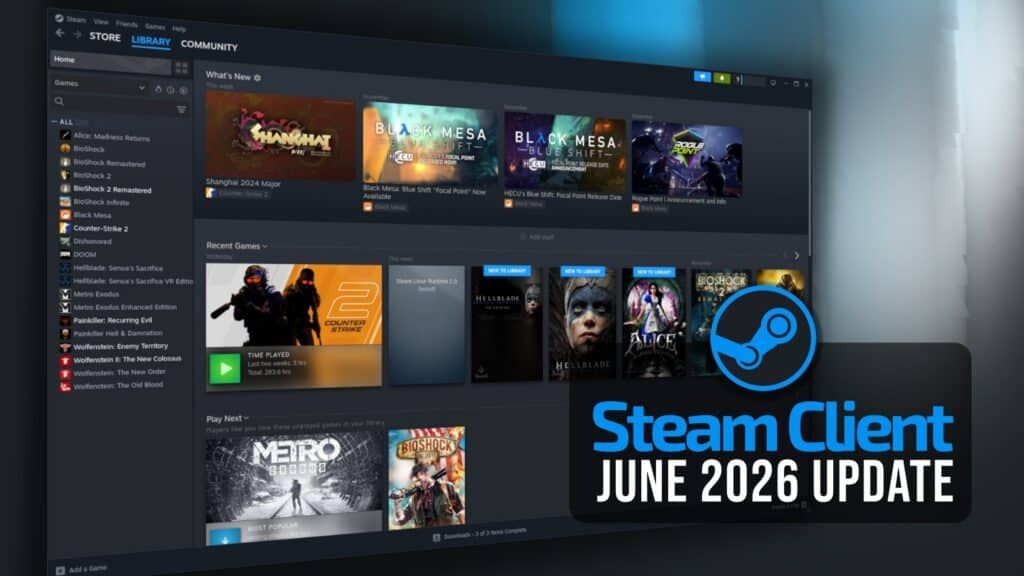

Valve’s latest Steam stable update brings Steam Machine library labels, Steam Controller firmware work, and Remote Play fixes out of beta for everyday players.
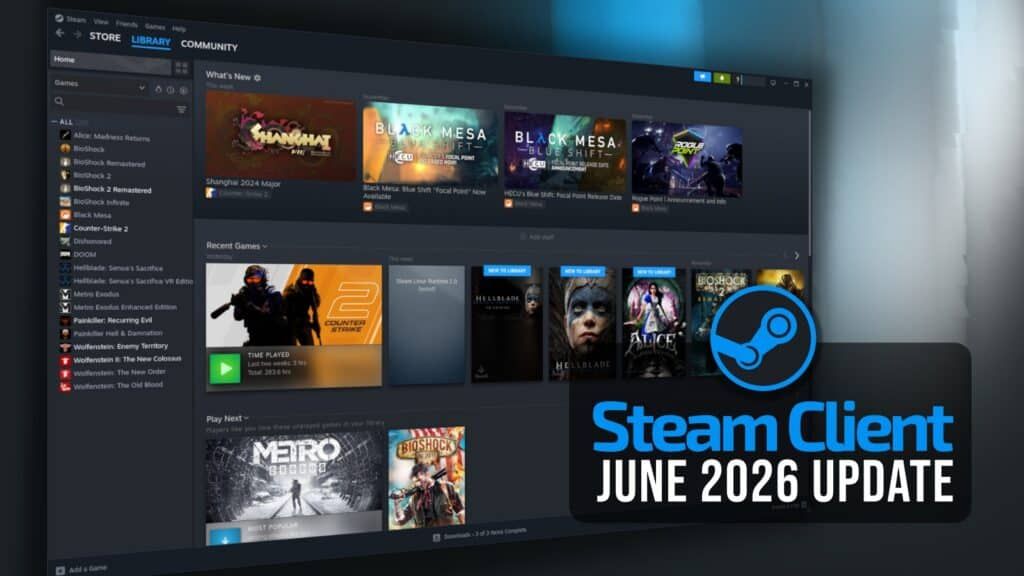
Image: linuxiac.com
Valve’s stable client catches up to its hardware ambitions
Valve has moved a fresh Steam stable update to the main client for all supported platforms, and the sharpest change is aimed at people using, or preparing for, Valve’s living-room hardware. According to GamingOnLinux, the July 22 Steam stable update adds Steam Machine Verified details directly to the Steam Library and brings in the Great on Machine Library page, giving players a clearer way to see which games should run out of the box on Steam Machine hardware.
That is the practical headline. This Steam update is not framed by Valve in the supplied changelog as a big feature launch, but the placement of Steam Machine compatibility information inside the library is a meaningful platform step. A console-style box only works if the player does not have to become a forum detective before pressing Play. For Steam Deck owners, SteamOS users, controller-first players, and anyone watching Valve’s next Steam Machine push, the value here is in the unglamorous connective tissue: clearer compatibility labels, fewer misleading update notes, steadier streaming, and fewer controller quirks.
The tension is that Valve’s PC ecosystem keeps promising couch convenience while still carrying PC-shaped friction. This Steam Machine update narrows some of that gap, but it also shows how many small systems have to align before Steam feels predictable on hardware that is meant to live under a TV.
Steam Machine library signals are the biggest user-facing change
GamingOnLinux reports that the new stable Valve Steam client now shows Steam Machine Verified details in the user’s Steam Library and adds a Great on Machine Library page. The outlet describes this as making Steam Machine feel “a little bit less like a Beta,” which is an interpretation, but the underlying change is concrete: compatibility information is being surfaced where players actually browse and launch games.
That matters because Steam’s biggest strength, its massive library, becomes a usability problem on dedicated hardware unless compatibility is plainly communicated. Steam Deck owners already know the rhythm: a green check, a playable badge, or a warning can decide whether a game gets installed tonight or left for later. Steam Machine needs that same at-a-glance confidence if Valve expects players to treat it like an appliance rather than a small PC with homework attached.
The confirmed detail stops at the client-side library presentation described by GamingOnLinux. The supplied sources do not include a new Steam Machine release date, price, hardware specification, or publisher commitment. So the careful read is this: Valve is improving the Steam client experience around Steam Machine compatibility, but the sources here do not confirm the broader commercial plan. For players, the immediate gain is visibility. For Valve, the pressure is consistency, because a compatibility label only earns trust if it reflects the launch experience once a game is installed.
Remote Play gets the kind of fixes streaming actually feels
The latest stable changelog cited by GamingOnLinux includes several Steam Remote Play changes that should be felt most by players who stream from a PC to a Deck, SteamOS device, TV setup, or secondary machine. Valve added 59.94 FPS as an available framerate limit, reduced frame drops when the framerate limit is set to automatic, fixed a black screen when hardware encoding is disabled, fixed offline devices showing as streamable, fixed client video decoder overload when unlimited bandwidth is enabled, and corrected mouse coordinates for input-only streaming.
Those are not flashy patch notes, but they target the exact seams where Remote Play can go from magical to maddening. A black screen is a session-killer. An offline device appearing as streamable wastes time before the game even starts. Decoder overload under unlimited bandwidth is especially relevant for players who assume that more network headroom automatically means a better stream. Valve’s fix suggests the client side still needs guardrails, even when the network is fast.
The 59.94 FPS option deserves a little extra attention. VideoCardz, covering the earlier beta version of the update, explained that 59.94 FPS corresponds to the 60000/1001 video rate used by many TVs, capture devices, and HDMI display modes. The outlet noted that matching a 59.94 Hz display can avoid a small timing mismatch that may otherwise cause periodic dropped or repeated frames. Valve’s changelog confirms the option; VideoCardz supplies the display-pipeline context. If you play precision platformers, rhythm games, or twitchy indies through Steam Remote Play, that tiny cadence fix is the sort of thing you may notice only because the irritation disappears.
Steam Controller fixes focus on gyro trust and firmware reliability
Steam Input also gets a targeted pass in this stable update, with the Steam Controller receiving several changes in the changelog reported by GamingOnLinux. Valve lowered the Gyro Calibration Threshold to 50 percent of its previous value so that calibration is less likely to trigger while the controller is in hand. The threshold is now exposed through Steam’s controller settings under Calibration & Advanced, and players can disable hardware calibration in favor of standard Steam Input gyro calibration tools through an “Enable Software Calibration for Steam Controller” toggle.
The important fix for feel is the one Valve lists as addressing gyro stutter caused by ignored IMU timestamps. Gyro aim is one of those input systems where trust is everything. When it works, it can make camera control in shooters, first-person puzzle games, and 2D aiming setups feel delicate and immediate. When it stutters, players often blame themselves, the game, or the entire idea of motion input. A timestamp fix is deep in the machinery, but it lands at thumb-and-wrist level.
Valve also fixed Steam Controller glyphs in Shadow of the Tomb Raider, according to the same stable changelog. Separately, the earlier July beta notes reported by GamingOnLinux and Notebookcheck included a Steam Controller firmware fix for occasional repeated B button presses. The current supplied stable article says the update includes “plenty of tweaks” for the new Steam Controller and notes that users will need a firmware update if they were not previously testing on the Steam Beta, but the provided source text cuts off before the full firmware list. That means the safe takeaway is that Steam Controller firmware changes are part of this stable rollout, while any unfinished bullet from the truncated source should not be treated as a confirmed item here.
Broader controller support helps Steam feel less like a PC setup screen
Beyond Valve’s own pad, the stable Steam update expands Steam Input support for third-party controllers. The changelog cited by GamingOnLinux says Steam now supports both the wired and wireless versions of the PDP Afterglow Wave Controller for Nintendo Switch, adds support for Turtle Beach controllers for Nintendo Switch 2, and fixes an Apex 5 issue where the controller could appear as multiple controllers when “Allow third-party apps to take over mappings” was enabled in the FlyDigi Space Station app.
That last item is a small but familiar PC-gaming nuisance: the same physical controller showing up in ways that confuse bindings, overlays, or in-game prompts. For players who spend most of their time in compact indies, platformers, arcade racers, or local co-op games, controller detection is not a luxury detail. It decides whether the first ten minutes are spent learning the game or untangling input ghosts.
This also fits the Steam Machine thread. Valve cannot control every controller players bring to the couch, so Steam Input has to become the compatibility layer that absorbs the mess. Adding Switch-family controller support and fixing duplicate-device behavior both serve that larger goal. The sources do not say these additions are exclusive to Steam Machine, and GamingOnLinux describes the stable update as being for all supported platforms, so players should read them as broader Valve Steam client improvements with obvious benefits for hardware-first setups.
Stable channel users get fixes that were tested in beta first
Several of the July stable changes were visible earlier in beta. GamingOnLinux reported on July 9 that a Steam Beta update added the 59.94 FPS Remote Play limit, reduced frame drops on automatic framerate selection, fixed decoder overload with unlimited bandwidth, added the same PDP and Turtle Beach controller support, and fixed the Apex 5 multiple-controller issue. Notebookcheck also covered the Preview/Beta version as a Steam Deck client update, noting the Big Picture Mode scaling fix in Desktop Mode and the patch notes preview bug.
The stable rollout is the important shift for most readers. Beta notes are useful if you are chasing a specific problem, but a living-room device cannot expect everyone in the house to understand update channels. GamingOnLinux says Valve fixed SteamOS, Steam Deck, and Steam Machine changelogs showing for the wrong update channels. The earlier beta coverage described the same problem as the Patch Notes preview box in Settings > System sometimes showing an event for the wrong channel, such as beta notes while the client was on stable.
That kind of fix sounds administrative until you are deciding whether to install an update, troubleshoot a bug, or explain to someone else why their Deck says one thing while their client does another. Accurate patch notes are part of platform trust. If Steam Machine is going to be pitched as a cleaner way into PC libraries, then the update path has to be legible.
What to do now if you use Deck, Steam Machine, or Remote Play
If you are on the stable Steam client, this update is the version to pay attention to rather than the earlier beta reports. The confirmed changes from the supplied sources cover all supported platforms for the main client, with SteamOS, Deck, and Machine-specific note handling also addressed. If you previously stayed away from beta builds, the Remote Play, Steam Input, Steam Controller, and Steam Machine library improvements have now reached the stable lane described by GamingOnLinux.
Remote Play users should revisit framerate and bandwidth settings if they have been fighting judder, frame drops, black screens with hardware encoding disabled, or unstable behavior with unlimited bandwidth. The new 59.94 FPS cap is especially worth testing on TVs, capture setups, and external displays that report 59.94 Hz. Controller players should check Steam Input if they use a Steam Controller, PDP Afterglow Wave, Turtle Beach Switch 2 controller, or FlyDigi Apex 5, since this update directly touches those devices.
For Steam Machine watchers, the practical guidance is cautious optimism. The new library verification surfaces are real, but the supplied sources do not confirm new hardware launch details, pricing, or a final platform timetable. The encouraging part is that Valve is moving compatibility presentation, controller behavior, Remote Play stability, and update-channel clarity into stable builds before the next public-facing push. That is how a PC platform starts to feel less brittle on the couch: one small, boring, very necessary fix at a time.