
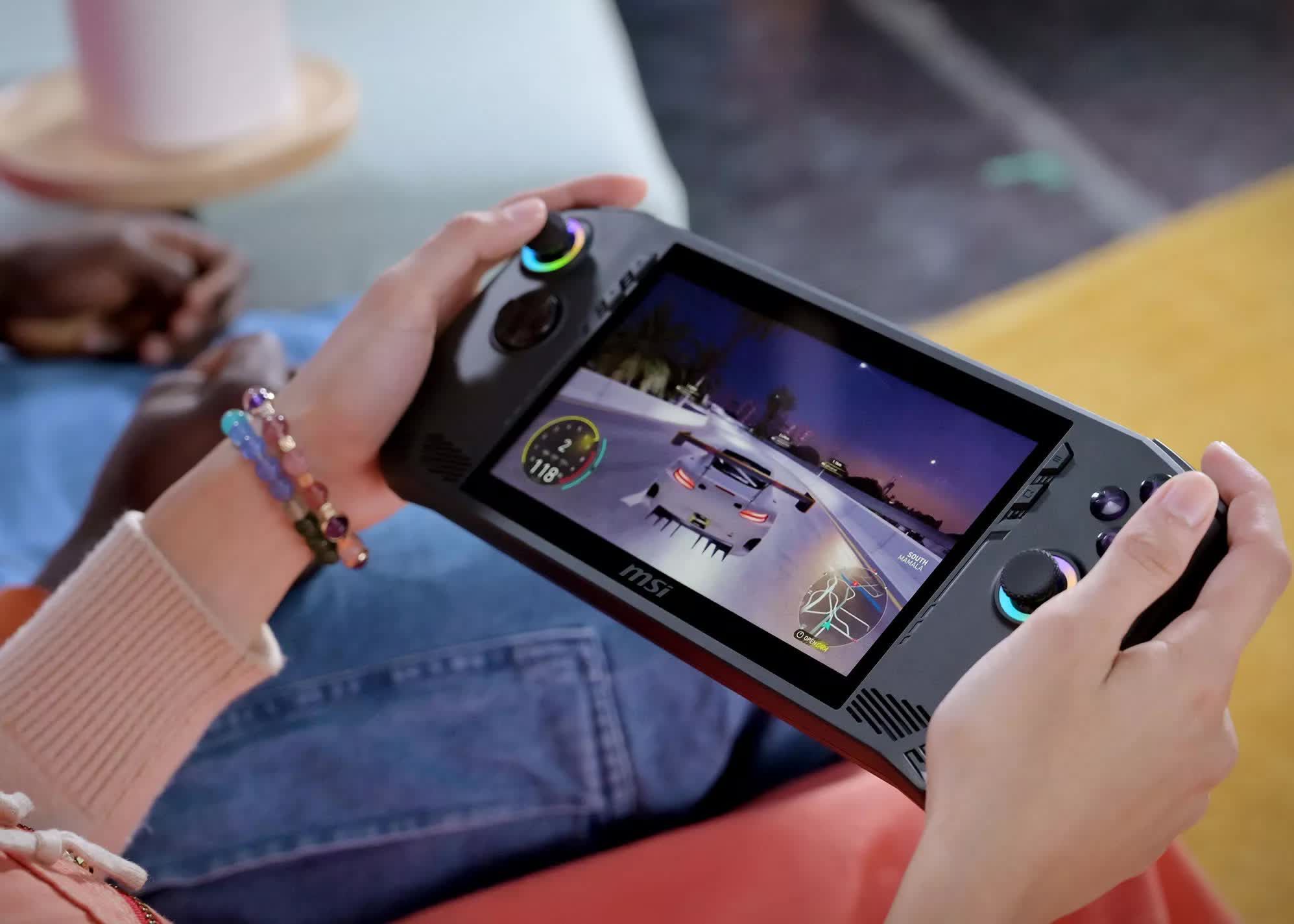

Steam Machine Verified and SteamOS compatibility ratings are now visible on Steam store pages and mobile, but Valve’s new labels still leave PC players with gaps to check before buying.
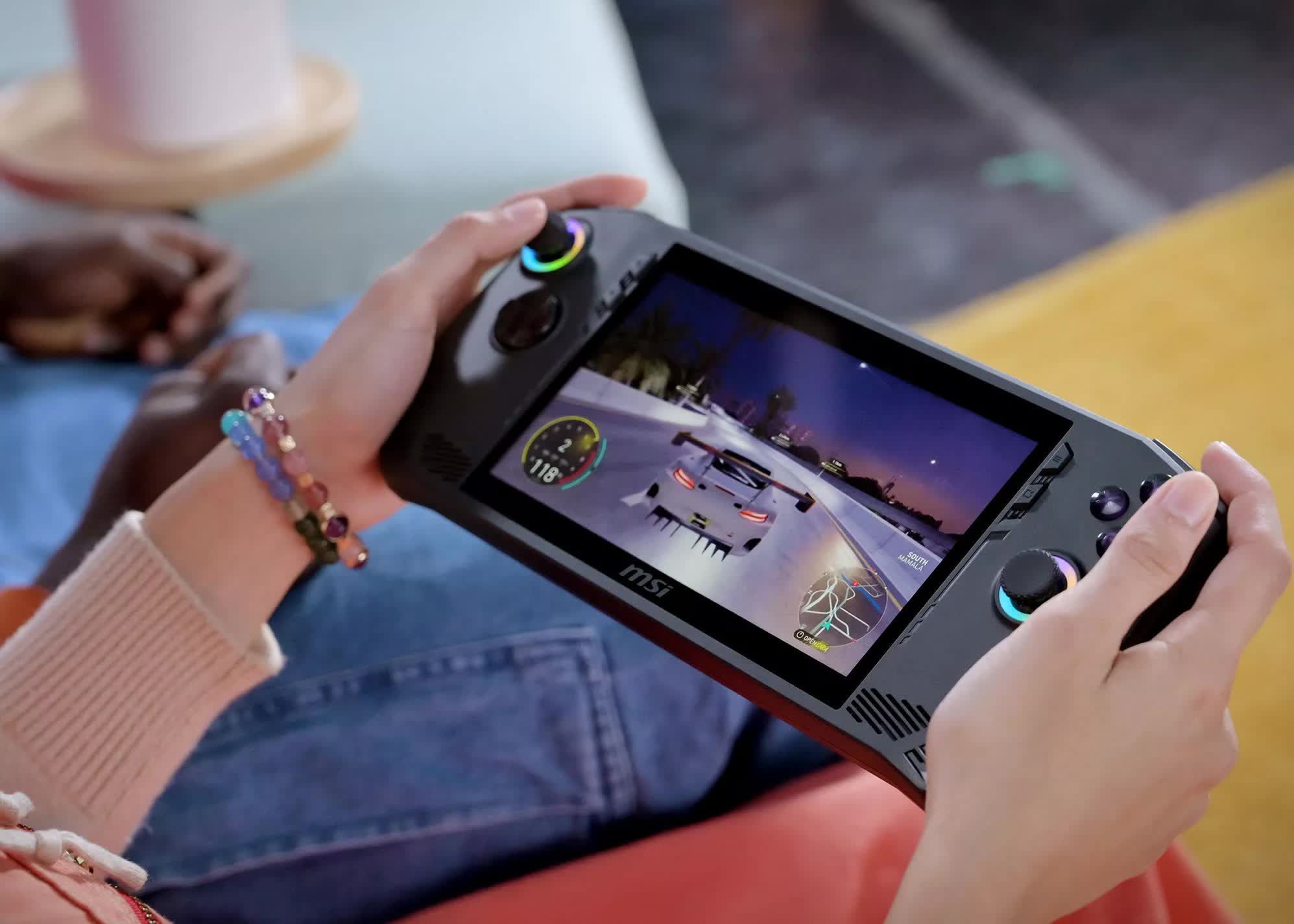
Image: techspot.com
Steam’s new compatibility medals are live, but the storefront still hides the map
Steam Machine Verified medals and SteamOS compatibility ratings have begun appearing on Steam store pages, according to Rock Paper Shotgun and GamingOnLinux, giving players their first storefront-level look at Valve compatibility ratings beyond the Steam Deck. The immediate tension is that the labels are visible before Valve has clearly separated them into their own discovery tools: GamingOnLinux reports that Steam Deck, Steam Machine, and SteamOS ratings currently sit inside the existing Steam Deck compatibility button on the right side of store pages.
That makes this a useful rollout and a messy one. Rock Paper Shotgun says Valve had already established that Steam Machine would use a compatibility rating system similar to Steam Deck, with games marked Verified, Playable, or Unsupported depending on testing. Until now, those results were not visible alongside Deck verification on Steam store pages. GamingOnLinux adds that the ratings are also visible in the Steam mobile app, while noting that the presentation may still be unfinished.
For PC players, the practical read is simple: these new Steam store compatibility medals are signals, not a complete buying guide yet. They can tell you whether Valve’s testing has found a game ready for Steam Machine or SteamOS, but they do not yet sit in a clean search ecosystem. GamingOnLinux reports that Steam search still lacks Steam Machine or SteamOS filters, with only Steam Deck Verified and Playable filters available at the time of its article.
What Steam Machine Verified appears to certify
The clearest technical standard comes from Valve’s own developers in an AUTOMATON West interview. Valve told the outlet that, for a game to be marked Steam Machine Verified, it must hit 1080p at 30 frames per second without customers having to change settings. Valve framed that as an out-of-the-box experience target for its living-room SteamOS PC.
That matters because Steam Machine is not being positioned like a tinkerer’s benchmark board in the source material. AUTOMATON describes it as a desktop gaming PC optimized for Steam games, built around a compact cube chassis roughly 160 mm on each side, with quiet operation and cooling among the selling points. Valve told AUTOMATON the hardware is roughly six times more powerful than Steam Deck, and the article lists the standalone 512 GB model at $1,049, with a 2 TB model bundled with a Steam Controller and two extra faceplates at $1,428.
So, when a page shows Steam Machine Verified, the safest interpretation is not “this is the highest possible PC setting” or “this will behave like your Windows desktop.” Based on Valve’s statement to AUTOMATON, it means Valve’s certification bar includes 1080p/30fps performance at default settings on Steam Machine hardware. That is a console-like promise in spirit, but the store still needs clearer wording because the medal currently lives in a Steam Deck-branded interface.
Playable is where the details matter most
Verified is the easy medal to understand. Playable is where careful readers should slow down. Rock Paper Shotgun reports that Valve’s own Dota 2 is marked Playable for Steam Machine, with the store details giving it credit for graphical performance and gamepad support while holding it back because of inaccurate controller icons and occasional need for an onscreen keyboard.
That is a useful example because it shows how a game can be technically viable without feeling completely native. For a platformer, puzzle game, or compact indie with clean controller-first menus, a Playable tag may be a minor inconvenience. For a dense strategy game, MMO, builder, launcher-heavy RPG, or competitive title with text input, Playable can mean the difference between a comfy couch session and a lapboard hunt.
Rock Paper Shotgun also points to Palworld 1.0 receiving the green Verified tick for Steam Machine, citing smooth-running settings and broad input compatibility. Assassin’s Creed Black Flag Resynced is another example used by both Rock Paper Shotgun and GamingOnLinux, with GamingOnLinux linking directly to the Steam page as an example of the new ratings now being visible.
The lesson is that the medal is the start of the read, not the end. Open the compatibility panel and check which criteria passed or failed. If the problem is a stray icon mismatch, many players will shrug. If the problem involves text entry, launchers, anti-cheat, or unsupported features, that tag carries more weight.
SteamOS ratings are the broader signal for PC players
The new SteamOS compatibility ratings may end up being as important as the Steam Machine medal itself. GamingOnLinux reports that Steam Deck, Steam Machine, and SteamOS ratings are now grouped together under the store’s existing compatibility button. That suggests Valve is treating SteamOS support as a storefront-visible status, rather than leaving Linux compatibility to community spreadsheets, ProtonDB searches, and trial-and-error installs.
The distinction matters. Steam Machine is a specific piece of hardware. SteamOS compatibility points toward the operating system layer that powers Valve’s current hardware strategy. A game that behaves on SteamOS has cleared a different kind of question than a game that simply runs well on a fixed box: will it cooperate with Proton, input layers, media playback, launchers, online services, and whatever assumptions the original Windows build makes?
Valve’s comments to AUTOMATON underline the biggest unresolved category. Asked about popular online games that are not compatible with SteamOS, Valve said it is continuing to work on support for anti-cheat services. The company told AUTOMATON that BattlEye and Easy Anti-Cheat are supported on SteamOS but require developers to opt in, while kernel-level anti-cheat remains difficult to support on SteamOS.
That means competitive players should be especially cautious. A SteamOS compatibility medal is helpful, but anti-cheat support can depend on publisher and developer choices as much as Valve’s platform work. GamingOnLinux recommends keeping its dedicated anti-cheat compatibility page bookmarked, which is sensible reader guidance until Steam itself offers clearer filters and warnings.
The store rollout is useful, but discovery has not caught up
The oddest part of the rollout is not the existence of the medals. It is where Steam puts them. Rock Paper Shotgun calls out that Steam Machine-specific details require navigating through the Steam Deck Compatibility section. GamingOnLinux makes the same point from a usability angle, saying the button should be clearer now that it contains more than Steam Deck information.
For players browsing Steam Machine games, that is a real friction point. Steam’s store is built around discovery habits: filters, wishlists, sale pages, tags, and recommendation rows. If Steam Machine Verified and SteamOS compatibility ratings are visible only after opening a store page, buyers still need to check games one by one. GamingOnLinux reports that Steam search has not yet added Steam Machine or SteamOS filtering.
This is also a challenge for smaller games. Indie and platformer fans often browse by feel: controller support, price, genre tags, local co-op, demo availability, difficulty, and now device compatibility. A crisp compatibility badge can help a tiny precision platformer or couch co-op oddity stand beside bigger games, especially if it launches straight into a controller-friendly menu and respects readable UI. But until Steam can filter for these new medals, the advantage is buried at the last step of the shopping path.
The practical workaround is to treat the compatibility panel as part of your purchase check. Before buying for Steam Machine or a SteamOS setup, open the Steam Deck compatibility button, look for the Steam Machine and SteamOS entries, and read the criteria rather than stopping at the top-level medal. If no rating appears, that should be read as an absence of visible certification, not proof that the game cannot run.
Valve’s hardware trio is starting to look like one compatibility system
The timing also points beyond Steam Machine. Rock Paper Shotgun notes that Steam Frame, Valve’s VR headset, is expected to get its own verification program. GamingOnLinux reports that a public “Great on Frame” Steam page appears close to ready. TechTimes, citing SteamDB and a spotting by Brad Lynch, reports that Portal 2 received a Steam Frame Playable badge after passing four of five certification checks, while Day of Defeat received an Unsupported rating.
Those Steam Frame details should be treated differently from the live Steam storefront medals reported for Steam Machine and SteamOS. The Frame examples come through SteamDB and press reporting, not a broad official storefront explanation from Valve in the provided material. Still, they fit the wider pattern: Valve appears to be extending the Steam Deck idea into separate compatibility layers for different SteamOS hardware.
That is a smart direction, but it raises a clarity problem. Steam Deck, Steam Machine, SteamOS, and Steam Frame are related, but they do not ask the same questions of a game. A handheld cares deeply about battery life, small-screen legibility, and Deck controls. A living-room PC cares about default 1080p/30fps performance, controller-first comfort, and couch-readable UI. A standalone VR headset adds display resolution, input, performance, and architecture concerns. Rock Paper Shotgun notes Steam Frame’s added complication of an Android-style ARM chip.
Until Valve explains the program in one place, players should avoid treating every green check as interchangeable. A Steam Deck Verified game is a strong clue, but the new medals exist because each device has its own constraints.
How to read the medals before Valve says more
For now, Steam Machine Verified is the label to trust most when buying specifically for Valve’s living-room PC, because Valve told AUTOMATON that certification requires 1080p/30fps at default settings. SteamOS compatibility ratings are the broader platform signal, especially relevant to players installing or using SteamOS beyond one device. Playable should be read as a conditional pass, with the fine print deciding whether the compromise is harmless or irritating.
The unresolved pieces are equally important. Valve has not, in the provided source material, issued a clean public explainer for the live store rollout. Steam search does not yet expose Steam Machine or SteamOS filters, according to GamingOnLinux. Anti-cheat remains a known pressure point, with Valve telling AUTOMATON that BattlEye and Easy Anti-Cheat require developer opt-in and that kernel-level anti-cheat is still difficult on SteamOS.
My advice is to use the medals like a careful platformer player reads a new level: trust the signposting, then check the footing before you jump. If you are buying a story game, platformer, cozy sim, or single-player indie for Steam Machine, a Verified badge is a strong green light under the reported standard. If you are buying an online competitive game, a launcher-dependent release, or anything with heavy text entry, read the details and check current anti-cheat support first.
The new Valve compatibility ratings are already useful. They will become much more useful when Steam’s store, search filters, and official documentation catch up to the medals now appearing on the page.