
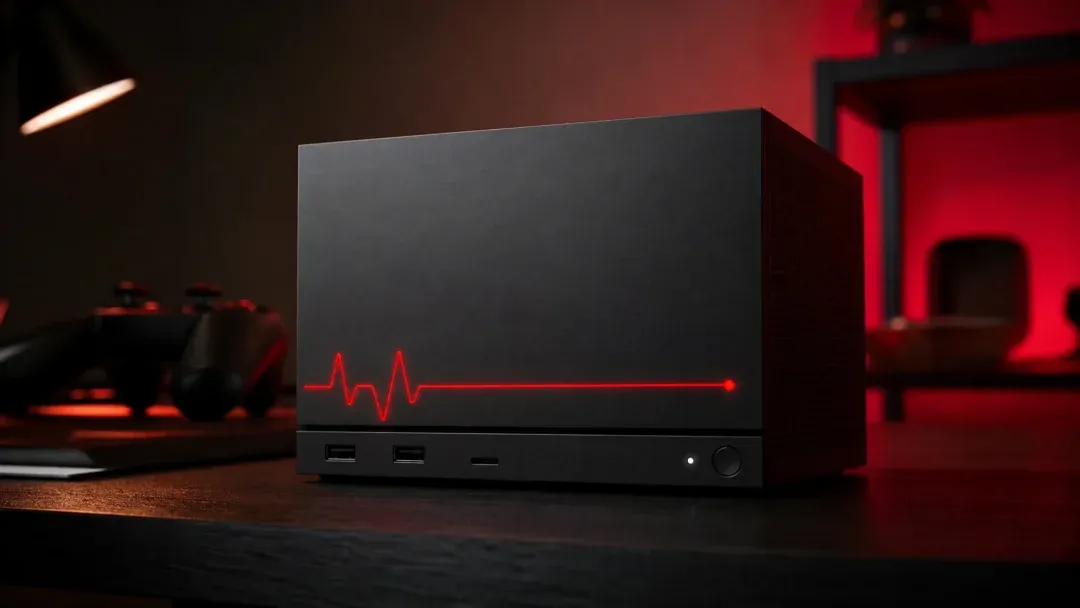

The Steam Machine red line of death sounds like an Xbox 360-style disaster, but the first viral case now looks more like a useful diagnostic signal buyers should understand.
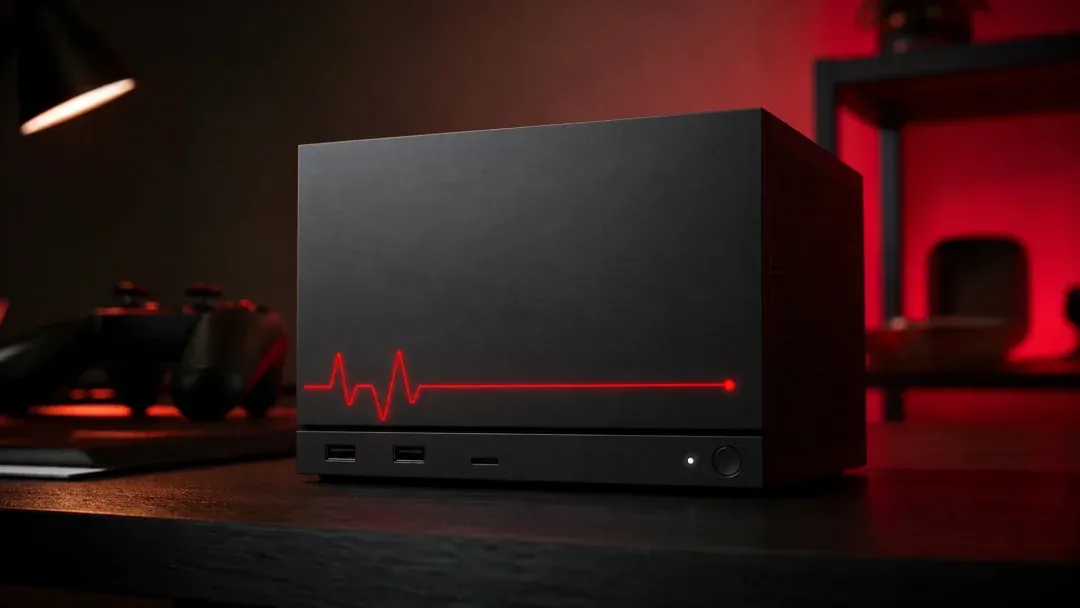
Image: allthings.how
The first viral red line case came back to life
The strongest fact in the Steam Machine red line of death story is also the one that changes its tone: the early unit that helped popularize the nickname is reportedly working again. Eurogamer reported that Reddit user me_hill, whose Steam Machine showed a red light pattern after a system update and stopped producing display output, later updated the original thread to say the machine booted after being left unplugged overnight and after trying unspecified “BIOS stuff” suggested by other users.
That does not erase the scare. According to Eurogamer and VGC, the user said the problem appeared after a short session with No Man’s Sky and an available system update. Digital Foundry, as cited by Eurogamer and VGC, connected the visible front light pattern to Valve’s documented LED error system, with the relevant right-side red pattern indicating a GPU failure. That is the kind of phrase that makes any console buyer think of expensive returns, warranty queues, and launch-window hardware anxiety.
But the comeback matters because it reframes the incident. The red LED was not a vague death symbol in the way the community nickname suggests. It was a diagnostic warning on a living-room PC-style device that can surface component, temperature, boot, storage, and memory problems through the front light bar. GameSpot’s reporting makes that distinction directly, describing the Steam Machine warning light system as a way Valve communicates hardware information when something fails. The tension is that a good diagnostic system can still look terrifying when the first widely shared photo carries an Xbox 360-inspired nickname.
Valve’s light bar is a diagnostic layer, not a single failure code
The phrase Steam Machine red line of death compresses several different signals into one dramatic label. Based on reporting from GameSpot, VGC, Eurogamer, and HotHardware, Valve’s support documentation breaks the front LED bar into different red patterns, widths, and animations, each pointing to a different class of problem. GameSpot reported that a half-width, breathing red LED bar indicates a GPU failure, while a full, solid red bar indicates overheating. HotHardware similarly reported that a full-strip red line indicates overheating and said Valve’s documentation ties that state to CPU and/or GPU temperatures exceeding 95°C and 90°C, respectively.
That distinction is important for anyone shopping for Steam Machine hardware as a console replacement. A full red strip caused by overheating is a different kind of problem from a right-side or partial red pattern associated with GPU failure. HotHardware argued that the nickname is probably inaccurate for the full-strip overheating signal because repositioning or cleaning the unit may remedy it. By contrast, HotHardware said smaller partial-bar patterns can be more serious, including a right-side GPU failure pattern and other patterns linked to RAM checks or undetected SSDs.
There is some inconsistency in how outlets summarized the exact pattern. VGC described a blinking red bar on the right half of the light as indicating GPU failure. Eurogamer described the user’s issue as a red light on the right side of the bar and tied it to Valve’s GPU failure code. GameSpot described the viral incident as a half-width, breathing red LED bar indicating GPU failure, while also separating that from a full, solid overheating bar it had seen in its own use. NoobFeed, however, wrote that Valve’s documentation identifies a solid red LED pattern as GPU hardware failure, which conflicts with GameSpot and HotHardware’s descriptions of a full solid red bar as overheating. For buyers, the practical lesson is to identify the exact pattern before assuming the worst.
The Xbox 360 comparison is emotionally accurate but technically limited
The nickname took off because it hits an old nerve. Eurogamer, VGC, GamingBible, and HotHardware all connected the phrase to the Xbox 360’s Red Ring of Death, and Eurogamer also noted the PlayStation 3’s less common Yellow Light of Death as part of that historical anxiety. For players who lived through mass hardware failures, a red warning on a new box under the TV is hard to read calmly.
The technical comparison is weaker than the emotional one, at least based on what has been reported so far. VGC wrote that the issue appeared uncommon at the time of its report and said it was the only reported instance it had seen then, while HotHardware likewise said there was only one report to speak of so far. Eurogamer’s first report also cautioned that it was hard to determine how widespread the issue was because every new hardware launch has some percentage of faulty units.
NoobFeed later reported that at least two more people said they had encountered similar problems after updates, but that broader pattern remains unconfirmed by Valve in the provided source material. No outlet in the supplied reporting cites Valve acknowledging a systemic GPU defect, a recall, or a launch-wide failure rate. The confirmed story is narrower: one highly visible early user saw a red GPU-related warning pattern after an update, the unit seemed dead, the community named it after an infamous console failure, and the same user later said it came back after power-off time and BIOS-related troubleshooting.
A scary warning can still be useful hardware design
The useful part of Valve’s approach is that the Steam Machine warning light gives owners and support staff a shared language before a support ticket begins. GameSpot reported that Steam Support has a page explaining light bar colors and animations, and that critical-error lights will always be displayed even if less crucial light behavior can be overridden by custom settings. That means the device can keep its living-room personalization features without hiding the signals that matter when something is wrong.
From a strategy perspective, this is the PC-console tradeoff in miniature. A traditional console is designed to hide the machine from the player until something fails. A compact SteamOS console-style PC has more moving parts in the support conversation: firmware, BIOS behavior, storage detection, thermals, memory checks, GPU status, and software updates. The red line system makes those layers visible, which can feel less seamless but may reduce guesswork.
That does not mean the design solves every problem. Eurogamer’s initial report said the affected user had no display output, which can line up with a GPU issue. HotHardware noted that if the Steam Machine’s semi-custom hardware suffers a true GPU failure, users should not expect a simple off-the-shelf GPU swap. NoobFeed similarly wrote that the GPU is built directly into the motherboard and would likely need repair or replacement under warranty if genuinely faulty. A diagnostic light is valuable because it points to the fault, not because it makes every fault user-serviceable.
Buyers should read this through price, availability, and support risk
The red line discussion is landing at a sensitive time because the Valve Steam Machine is expensive and constrained enough that buyers are already weighing risk differently than they would for a cheaper console. GameSpot reported that the Steam Machine went on sale last month with a starting price of $1050 and said Valve was not happy with the price, attributing the increase to the ongoing memory crisis and comparing it to a Steam Deck price hike. Operation Sports also described Steam Machine prices as higher than previously expected due to component cost spikes that are affecting current and next-generation console pricing.
GamingBible gave specific retail figures, reporting a $1,049 base 512GB model, a $1,128 bundle with a controller, a $1,349 2TB model, and a $1,428 2TB bundle with a controller. It also reported availability issues and resale listings at roughly double the price. NoobFeed similarly reported that Valve began shipping the $1,049 Steam Machine on June 29 and said scarcity had fed resale listings as high as $2,000.
Those prices change the buyer calculation. A $1,000-plus SteamOS console alternative has to be judged less like an impulse console purchase and more like a prebuilt compact PC with console ambitions. Operation Sports framed the appeal as a system that straddles console ease of access and PC adaptability, especially for players who want PC benefits without building or configuring a machine themselves. That value proposition depends heavily on Valve’s support process, the clarity of its diagnostics, and how quickly firmware-level launch issues are ironed out.
The practical read: document the pattern before declaring disaster
If a Steam Machine shows a red LED, the first practical move is to treat the pattern as information. The reporting does not support a blanket conclusion that every red line means a dead console. GameSpot and HotHardware both distinguish overheating-style full red bar behavior from partial patterns associated with deeper hardware checks. VGC and Eurogamer tied the viral right-side red pattern to a GPU failure indication, but Eurogamer later reported that the same machine returned to service after extended power-off time and BIOS-related steps.
The safest response depends on the symptom. If the system is overheating, GameSpot and HotHardware’s descriptions suggest the full red bar is warning about thermal conditions, so placement, airflow, dust, and ambient heat are the first context to check. If the light pattern matches Valve’s more serious GPU, RAM, or SSD diagnostics, the sources repeatedly point back to support rather than home repair. Eurogamer’s first report said the best advice appeared to be contacting Valve support for repair or replacement, and HotHardware noted limited DIY repair options for a true GPU fault.
The user who triggered the biggest wave of coverage later told others not to panic if they encounter the same error, according to Eurogamer, saying that letting the unit sit for hours somehow sorted it out in their case. That is one user’s experience, not an official fix. For buyers comparing Steam Machine hardware to a PS5, Xbox, or a self-built PC, the balanced takeaway is that the red line is a diagnostic signal with real value, but the underlying hardware risk still belongs in the purchase decision. If you need a frictionless console experience on day one, waiting for more launch data is rational. If you are comfortable with PC-style troubleshooting and want Steam’s library, modding upside, and broader backward-compatibility potential that Operation Sports highlighted, the warning light system is a reason to be informed rather than automatically scared.