
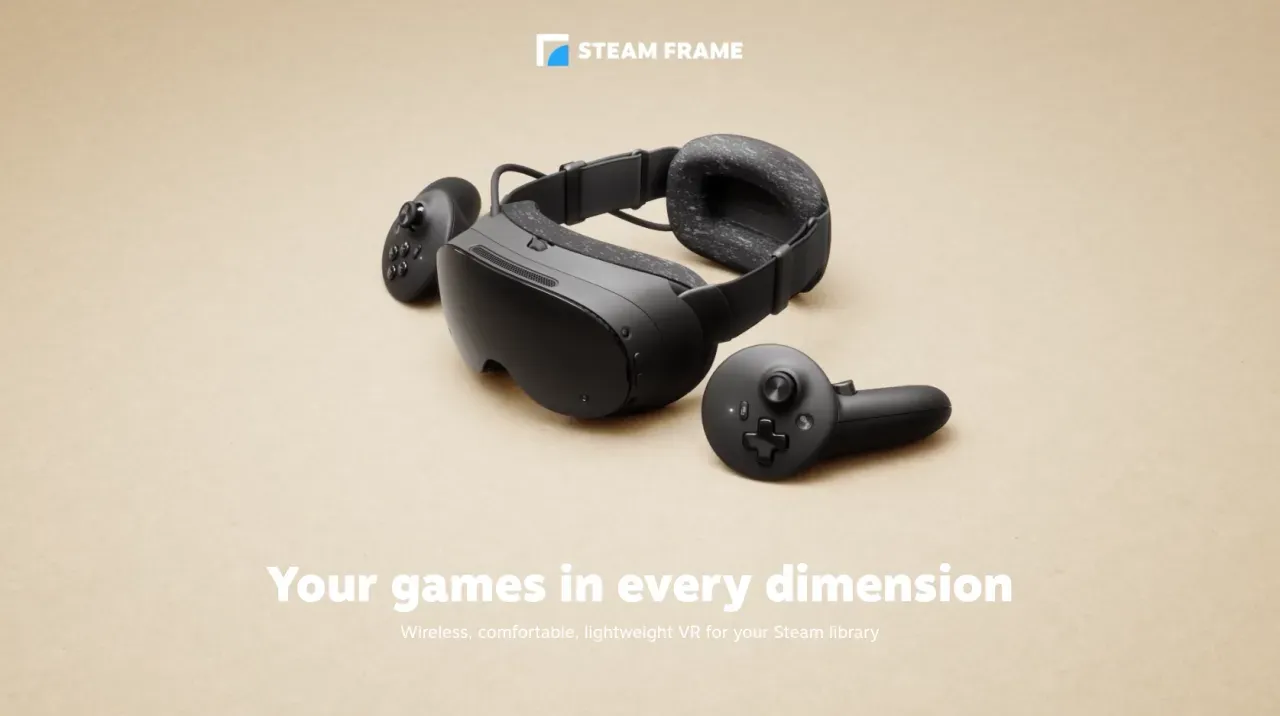

Valve’s SteamOS 0.5.9 beta for Steam Frame and SteamVR 2.19.3 beta add chroma-key Room View, Linux VR fixes, foveated sharpening, and accessibility changes.
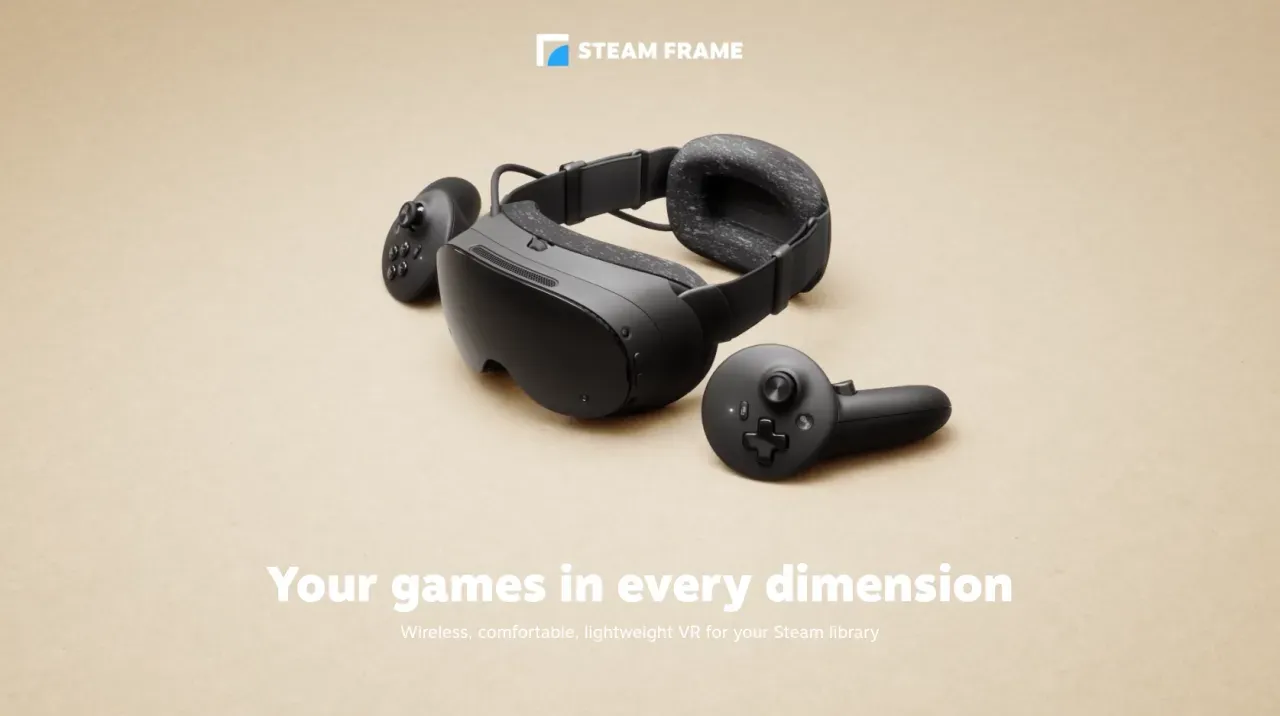
Image: linuxcompatible.org
Valve’s two-track beta puts Steam Frame and PC VR in the same test loop
Valve has released two coordinated beta updates: SteamVR 2.19.3 beta for PC VR users and SteamOS 0.5.9 beta for Steam Frame. GamingOnLinux reported the paired rollout on November 14, while Techtroduce says Valve’s official release notes were dated November 13. The practical tension is immediate: the most visible Steam Frame feature in this update, chroma-key Room View during PC streaming, requires the headset-side SteamOS beta and the PC-side SteamVR beta.
That dependency chain matters because Steam Frame is being treated as part of a larger streaming stack rather than as a sealed headset with isolated firmware. SteamOS 0.5.9 brings Steam Frame-specific changes, but SteamVR 2.19.3 carries fixes that affect all PC VR users, including Linux users, Steam Link users, Valve Index owners, HTC Vive owners, Nvidia wired headset users, and anyone relying on VR mirror capture.
Both builds are opt-in betas. LinuxCompatible and Warp2Search both note that Valve has not given a stable-channel date for either update. So the story here is not a finished consumer rollout. It is Valve tightening the runtime, headset OS, camera passthrough, and streaming path while Steam Frame features are still moving through beta.
Chroma-key Room View is the headline Steam Frame addition
SteamOS 0.5.9 adds chroma-key support for Steam Frame’s Room View during PC streaming. According to Valve’s notes as reproduced by GamingOnLinux and TwistedVoxel, the feature allows Room View to appear within VR content by letting games draw a designated key color to control transparency. In plain terms, a game can show the player’s physical room through selected parts of the streamed image.
The feature has two PC-side modes in the Camera section of Steam Link settings. GamingOnLinux lists them as Protect Content and Key Content. Protect Content is designed to keep the streamed image opaque, while Key Content allows a game to use the key color so portions of the image become transparent. LinuxCompatible adds that Valve exposes related controls on the PC side, including key mode, key color, and key threshold, while still requiring an appropriate Room View style to be selected in the headset’s own Camera settings.
The strategic choice is simple and clever: Valve is not asking every game to build a bespoke passthrough interface. It is using a familiar chroma-key model, where drawing the right color becomes the signal for real-world visibility. LinuxCompatible says Valve’s named example remains X-Plane 12, which is a sensible showcase because cockpit-style VR is one of the clearer use cases for seeing physical surroundings while remaining inside streamed content.
The caveat is just as important as the feature. GamingOnLinux emphasizes that chroma-key Room View requires opting into the SteamVR beta branch on the PC as well. Updating only the Steam Frame headset is not enough. For users treating this as a Steam Frame update, that extra PC runtime requirement is the first thing to check before troubleshooting.
SteamVR 2.19.3 is the broader stability patch
The paired SteamVR 2.19.3 beta may affect more people than SteamOS 0.5.9, because it is available for all PC VR users. Its biggest concentration of fixes is on Linux. GamingOnLinux lists fixes for Linux rendering issues tied to improved streaming support introduced in version 2.19.1, a right-eye flicker, scene distortion on HTC Vive and Valve Index when the SteamVR dashboard is open, high-resolution brightness and visual corruption, streaming reliability, Nvidia performance with wired headsets, and a possible startup lockup.
LinuxCompatible frames this as Valve repairing a wave of Linux streaming regressions from SteamVR 2.19.1. That is the most important context for readers already using the beta branch. SteamVR 2.19.3 is not only adding features around Steam Frame. It is also a corrective patch for problems introduced by the previous beta line, which makes it more relevant to players who were testing improved streaming and ran into visual instability.
Steam Link also gets two concrete fixes in SteamVR 2.19.3. Valve fixed low resolution in the mirror window and in third-party mirror or recording apps, which now use full resolution, according to GamingOnLinux. Valve also fixed an issue where manually setting stream video size became the default on the next launch. For anyone recording VR footage, streaming to viewers, or using the mirror window for local spectators, the full-resolution mirror fix is likely the most visible improvement in the PC-side patch.
There are smaller input and presentation fixes as well. Valve fixed Gyro to Joystick Camera in World and Player mode with Steam Input, and fixed a VR View issue where the chosen eye was not remembered or the view started with an incorrect aspect ratio. Those changes do not sell hardware, but they reduce setup tax, and setup tax is one of VR’s longest-running enemies.
Image quality and accessibility are being tuned before the feature set hardens
SteamOS 0.5.9 also applies foveated sharpening when streaming VR through Steam Link, according to GamingOnLinux and TwistedVoxel. The sources do not provide benchmarks or image-quality comparisons, so it would be premature to claim a measurable performance gain. What can be said is narrower: Valve is now applying sharpening in the foveated streaming path, which suggests the company is still tuning how streamed VR looks on Steam Frame rather than treating image reconstruction as finished.
Accessibility receives attention on both sides of the update. SteamOS 0.5.9 adds prism correction settings for diplopia, or double vision, and SteamVR 2.19.3 adds prism correction accessibility settings for Valve Index. GamingOnLinux says the SteamVR option is found by enabling Advanced Settings, then going to General, Accessibility, and Prism Correction, with a SteamVR restart required. For Steam Frame, TwistedVoxel says the same setting path exists on the headset side and requires restarting the headset to take effect.
This is an important category of patch because it is personal rather than cosmetic. A user who needs prism correction is not evaluating a small preference toggle. They are evaluating whether the headset is comfortable and usable. Valve adding the setting to both Steam Frame and Valve Index in the same beta cycle suggests the company is aligning accessibility behavior across headset classes, at least within the current beta software.
SteamOS 0.5.9 also fixes a visual glitch when opening or closing the dashboard in some games. Separately, SteamVR 2.19.3 fixes dashboard-related distortion on HTC Vive and Valve Index under Linux. The sources describe these as separate fixes, but together they point to the same pressure point: Valve is cleaning up transitions between game content, dashboard UI, and streaming or runtime layers.
The SteamOS fixes show the cost of an open software environment
Steam Frame’s SteamOS 0.5.9 beta includes fixes that look less like traditional console firmware notes and more like maintenance for a Linux-based device with user-installed applications. TwistedVoxel and GamingOnLinux both report a fix for WebXR support in Chrome and Chromium when those browsers are installed as user applications from Discover rather than system-wide. They also report a system lock-up fix caused by certain apps installed from Discover, with VLC given as an example.
Those are not glamorous patch notes, but they reveal the kind of failure surface Valve is accepting. If users can install apps from Discover, then headset stability depends on interactions beyond a curated VR game launcher. Browser install location, WebXR behavior, media apps, dashboard state, and developer overlays can all become part of the user experience.
SteamOS 0.5.9 also links the Show Perf Overlay in VR and Draw Performance Assessment toggles. GamingOnLinux says turning off Show Perf Overlay in VR also disables the developer overlay. That is a small usability correction, but it matters in a device where performance diagnosis tools can themselves intrude into the VR view. For early adopters and developers, overlay consistency is useful. For normal players, overlays that refuse to stay gone feel like broken settings.
Who should opt in now, and who should stay on stable software
The practical rule is straightforward. If you want to test chroma-key Room View on Steam Frame, you need SteamOS 0.5.9 beta on the headset and SteamVR 2.19.3 beta on the PC. GamingOnLinux says PC users can opt into the SteamVR beta by right-clicking SteamVR in the Steam library, selecting Properties, opening Game Versions & Beta, and choosing the beta branch. TwistedVoxel says Steam Frame users can enable the beta channel through Settings, System, and System Update Channel.
If your current VR setup is stable and you do not need the listed fixes, waiting is reasonable. These are beta builds, and the sources do not list a stable release date. The main exception is users directly affected by the addressed problems: Linux streamers seeing right-eye flicker or high-resolution corruption, Vive or Index owners seeing dashboard distortion, Nvidia users with wired headset performance issues, users hitting startup lockups, and creators affected by low-resolution mirror output.
For Steam Frame users, the calculation is sharper. Chroma-key Room View and foveated sharpening are forward-looking streaming features, but beta participation means accepting that the PC runtime and headset OS are moving together. If one side is not on the correct branch, the flagship passthrough feature will not behave as expected. Treat this like a two-piece strategy puzzle: headset update first, PC runtime second, then Camera and Room View settings.
Valve is iterating quickly, but availability questions remain unanswered
LinuxCompatible reports that Room View was introduced in SteamOS 0.5.8 last week, and SteamOS 0.5.9 is already extending it with chroma-key support. That is fast iteration by any normal hardware-software standard. Valve appears to be expanding the feature from basic passthrough coexistence toward game-controlled transparency before the Steam Frame software leaves beta.
The provided sources do not announce broader Steam Frame hardware availability, price, retail timing, or a stable-channel schedule for these updates. That gap should keep expectations grounded. What is confirmed is the software cadence: Valve is shipping coordinated betas across Steam Frame and SteamVR, and the fixes are aimed at the exact layers that can make or break a streaming-first VR device, including Linux rendering, Steam Link image handling, dashboard behavior, WebXR, installed app stability, and passthrough compositing.
From a strategy perspective, this is Valve reducing risk before Steam Frame has to stand in front of a wider audience. A headset built around PC streaming depends on more than panel specs. It depends on runtime reliability, clean capture output, predictable settings, accessible optics, and a passthrough model developers can use without heavy integration work. SteamVR 2.19.3 beta and SteamOS 0.5.9 beta do not answer every Steam Frame question, but they show Valve working through the right stack while the cost of breaking things is still confined to beta users.