
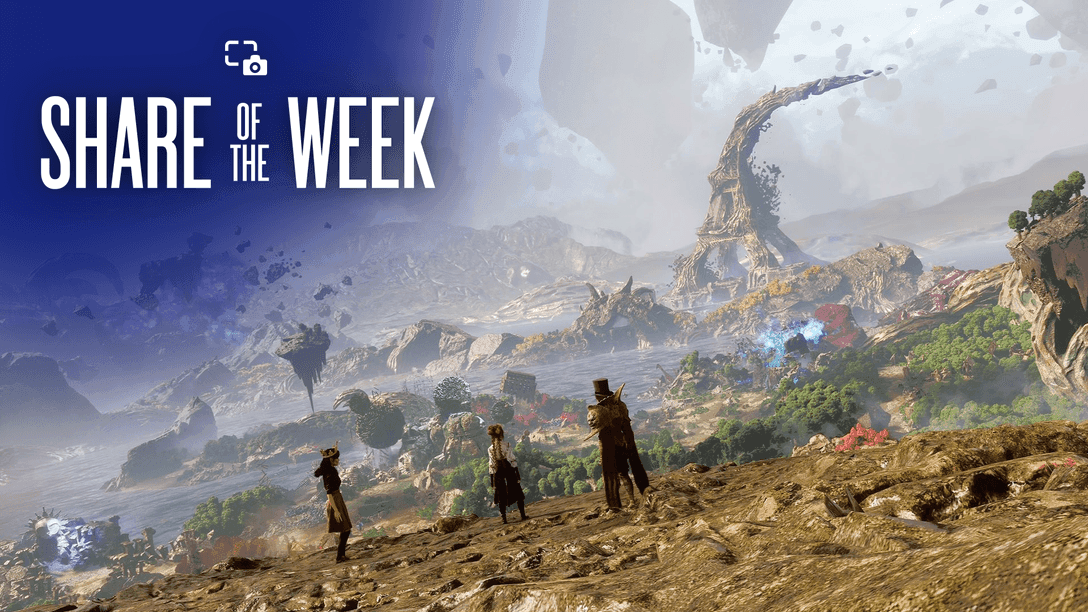

PlayStation Share of the Week highlighted six community screenshots built around breathtaking views. Here is what the prompt favored and how to frame stronger scenic shots for the next theme.
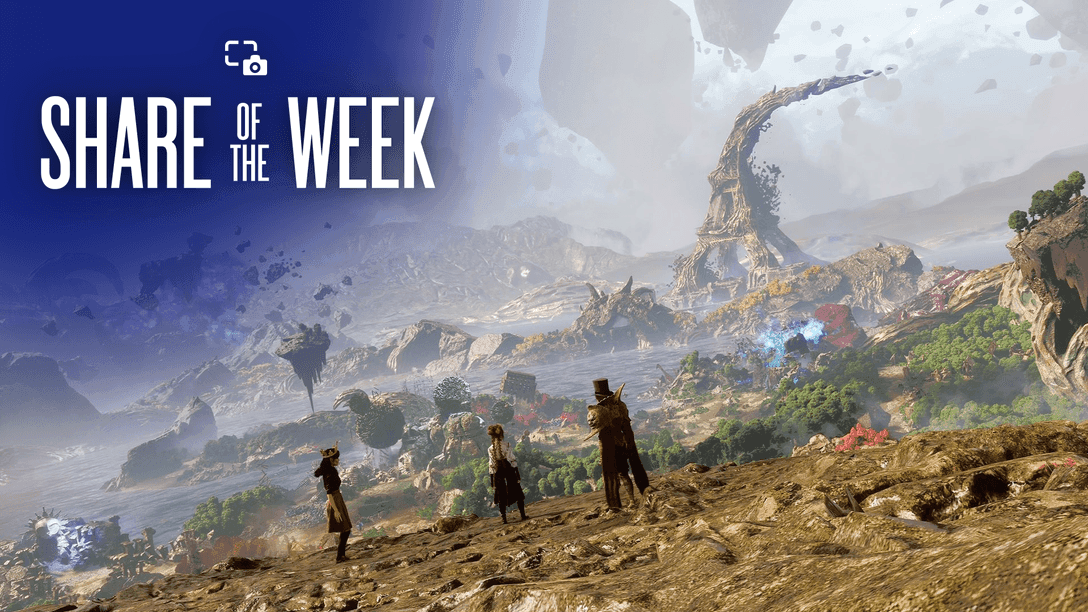
Image: blog.playstation.com
PlayStation’s latest community showcase turns vistas into a practical challenge
PlayStation Blog’s August 28 Share of the Week has selected six community screenshots for the theme “Breathtaking Views,” then immediately set up the next test for player photographers: trees. According to Kristen Zitani, Manager of Content Communications at Sony Interactive Entertainment, last week’s prompt asked players to share views from their favorite games using #PSshare and #PSBlog. The selected highlights span Clair Obscur: Expedition 33, Elden Ring, Ghost of Yōtei, The Last of Us Part II, Horizon Forbidden West, and Dragon Age: The Veilguard.
That lineup is useful because it shows how broad PlayStation’s community definition of a scenic shot can be. A breathtaking view did not have to mean a single mountain range or a postcard sunset. PlayStation’s captions point to a painted world, a fantasy landscape, a cherry blossom altar, a farm at sundown, a snowy outlook, and a glowing forest. Those choices turn the roundup into a small masterclass in scenic framing across very different visual languages.
The immediate practical wrinkle is timing. PlayStation Blog says the next Share of the Week theme is “Trees,” with submissions due by 11:59 PM PT on September 2, 2026. Players need to use #PSshare and #PSBlog for a chance to be featured. Anyone chasing future PS5 screenshot submissions should read this week’s gallery less as a victory lap and more as a set of clues about what PlayStation’s editors are rewarding: clear theme recognition, strong environmental identity, and a composition that communicates mood before the viewer reads the game title.
The six featured screenshots do not chase the same kind of beauty
The strongest detail in the PlayStation Share of the Week roundup is its range. PlayStation says call_me_xavii shared the “creatively painted world” of Clair Obscur: Expedition 33. That description matters because it frames the screenshot around art direction, not scale alone. For games with painterly lighting, stylized textures, or theatrical color choices, the best view may be the one that makes the world’s brushwork feel intentional.
rorottino was highlighted for a view of the world of Elden Ring, which sits on the other end of the scenic spectrum. FromSoftware’s open spaces tend to carry threat and ruin even when the player is standing still. PlayStation’s brief caption does not describe the specific location, so the confirmed fact is simply that the community shot was selected as an Elden Ring world view. The useful lesson is that a landscape can be memorable because it feels ancient, hostile, or heavy, rather than comforting.
Ghost of Yōtei appears through SheikhSadi80’s cherry blossom altar view, while dfgmendes captured the farm’s setting sun in The Last of Us Part II. Those two examples suggest a quieter category of PlayStation community screenshots, where a place becomes scenic through stillness and placement. itsaPinky_fn’s snowy outlook in Horizon Forbidden West and xirantics’ glowing Arlathan Forest view in Dragon Age: The Veilguard push the gallery back toward elemental contrasts: white distance, cold weather, and bioluminescent fantasy atmosphere.
None of these confirmed selections gives us PlayStation’s internal judging criteria. The blog post does not publish scoring, hardware details, editing rules, or camera settings. What it does provide is a clear editorial pattern: the highlighted images are easy to summarize in one strong visual idea.
Scenic shots work best when the view has a subject
The trap with breathtaking views PS5 screenshots is assuming “large” automatically means “good.” A wide landscape can turn flat fast if the viewer has nowhere to rest their eye. The PlayStation Blog highlights, as described in the source captions, each have a center of attention even when the subject is environmental. A painted world, a cherry blossom altar, a farm sunset, a snowy outlook, and a glowing forest all give the viewer a handle before the larger vista opens up.
For your own PlayStation photo mode work, that usually means deciding what the screenshot is about before touching filters or camera tilt. If the answer is “the horizon,” ask what gives that horizon character. A lone tree, a shrine, a ruined tower, a rider’s silhouette, a river line, a patch of colored light, or a broken road can act as an anchor. Without an anchor, a screenshot may look technically impressive but emotionally generic.
The featured prompt also rewards contrast. The Last of Us Part II farm view, as PlayStation identifies it, depends on the recognizable warmth of a setting sun. Horizon Forbidden West’s selected snowy outlook works from a different vocabulary, with cold space and distance. Dragon Age: The Veilguard’s Arlathan Forest shot is described by PlayStation as glowing, which points to light as the defining hook. Those are craft choices players can chase deliberately.
Before submitting, zoom out from the moment and ask one harsh question: would someone understand the view’s appeal if they had never played the game? Share of the Week runs on community recognition, but the strongest scenic captures travel beyond fandom because composition does the first round of storytelling.
How to approach the next “Trees” prompt without taking a generic forest shot
PlayStation’s next theme is specific enough to be helpful and broad enough to be dangerous. “Trees” can mean a single trunk, a forest canopy, a blossom branch, a dead stump, a glowing fantasy grove, or the shadow pattern under leaves. PlayStation Blog says players should “grab some shade and share trees from the game of your choice” using #PSshare and #PSBlog by the September 2 deadline. That gives photographers permission to think smaller than a full panorama.
The best approach is to make the tree perform a role in the image. A tree can frame a character at the edge of the shot. It can divide the image vertically, turning a flat landscape into layers. It can create scale, especially if the player character stands small beneath the canopy. It can also become a mood object: blossoms for softness, bare branches for unease, snow-covered limbs for silence, or glowing leaves for fantasy.
Players coming from this week’s breathtaking views prompt should carry over one habit: find the relationship between foreground, midground, and background. Put leaves or branches close to the camera if the photo mode allows it, then let the landscape fall away behind them. If the tree itself is the subject, avoid burying it in clutter. If the tree is a frame, keep the actual focal point readable.
Because PlayStation’s post directs users to search #PSshare and #PSBlog on Twitter or Instagram, it is worth remembering that submissions will likely be seen in social feeds first. A clean silhouette or bold color contrast will survive compression and fast scrolling better than a busy wall of foliage.
The submission details are simple, but the format favors intentional edits
The confirmed route into Share of the Week is straightforward. PlayStation Blog says to share the next theme using #PSshare and #PSBlog. The current post names Twitter and Instagram as places to search those hashtags for more entries from this week’s theme. It also links readers to a PlayStation Store category for games featuring Photo Mode, which is useful if you want to browse titles with built-in camera tools rather than relying only on the console capture button.
There are still unanswered details. The PlayStation Blog post does not specify whether all games are eligible beyond “the game of your choice,” nor does it list platform restrictions, image resolution requirements, editing permissions, or a maximum number of submissions. It also does not say whether selected screenshots were taken on PS5, PS5 Pro, PS4, or another supported PlayStation environment. For readers searching for PlayStation community screenshots, the safest interpretation is to follow the published prompt exactly and avoid assuming unpublished rules.
That said, players can make their images easier to evaluate. Remove HUD elements when a game allows it. Keep the theme legible at thumbnail size. Avoid over-filtering a shot until the natural lighting becomes muddy. If a photo mode offers depth of field, use it to separate subject from background rather than blur the view that the prompt is asking you to celebrate. If the game lets you change time of day or weather, treat those options as composition tools instead of decoration.
Share of the Week posts are short by design, but the selected images usually have one advantage in common: they can be described cleanly. If you cannot name the subject of your screenshot in a sentence, the frame may need another pass.
This is where PlayStation photo mode becomes discovery, not decoration
For players who mostly use screenshots as souvenirs, PlayStation Share of the Week is a gentle push toward seeing games as crafted spaces. That is especially true for scenic prompts. A vista is where level design, lighting, environmental art, weather, traversal, and pacing all meet. The player only contributes the final decision: where to stand, when to stop, and how to frame the evidence.
This week’s PlayStation Blog selections are also a reminder that massive productions and art-forward worlds can share the same community stage. Clair Obscur: Expedition 33 is represented through its painted world. Elden Ring and Horizon Forbidden West bring large-scale environmental spectacle. Ghost of Yōtei and The Last of Us Part II show how a quieter place can carry the frame. Dragon Age: The Veilguard’s Arlathan Forest adds a glow-driven fantasy shot to the set. The connective tissue is not genre. It is a player noticing that the world has handed them a composition.
For next week, do not simply photograph the first tree you see. Wait for the angle where the branches lead the eye. Move the character out of the center if the environment is stronger without them. Let negative space breathe if the tree has a striking silhouette. If the shot feels too ordinary, change elevation, time, distance, or weather before changing games.
PlayStation has confirmed the theme and the deadline. The rest is craft. Good scenic screenshots come from treating the camera like a platforming tool: small adjustments, patient positioning, and one clean idea carried all the way through the frame.