
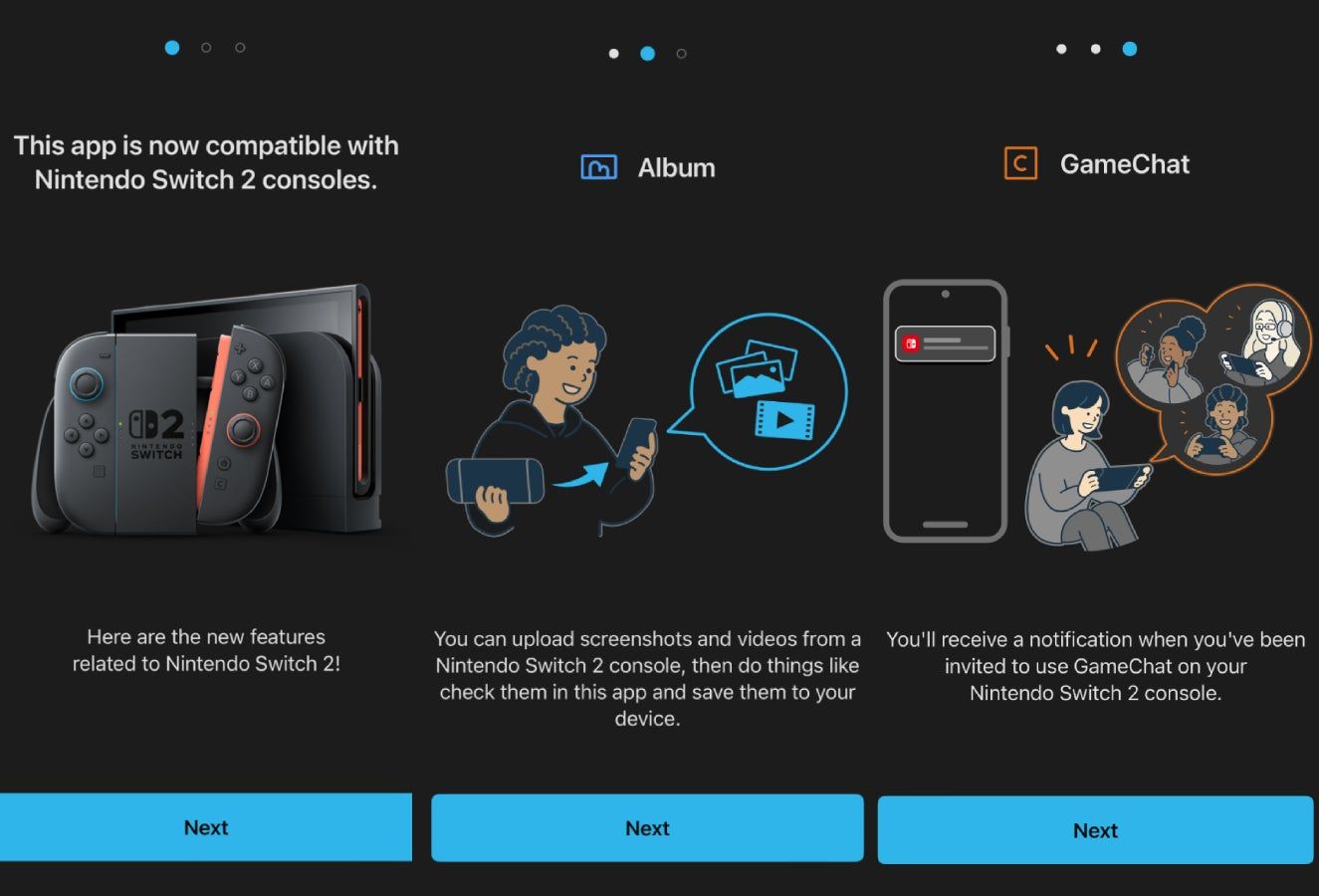

Nintendo Switch App 3.5.0 improves screenshot and video management with filtering, sorting, server deletion, and capture-date saving for Switch and Switch 2 owners.
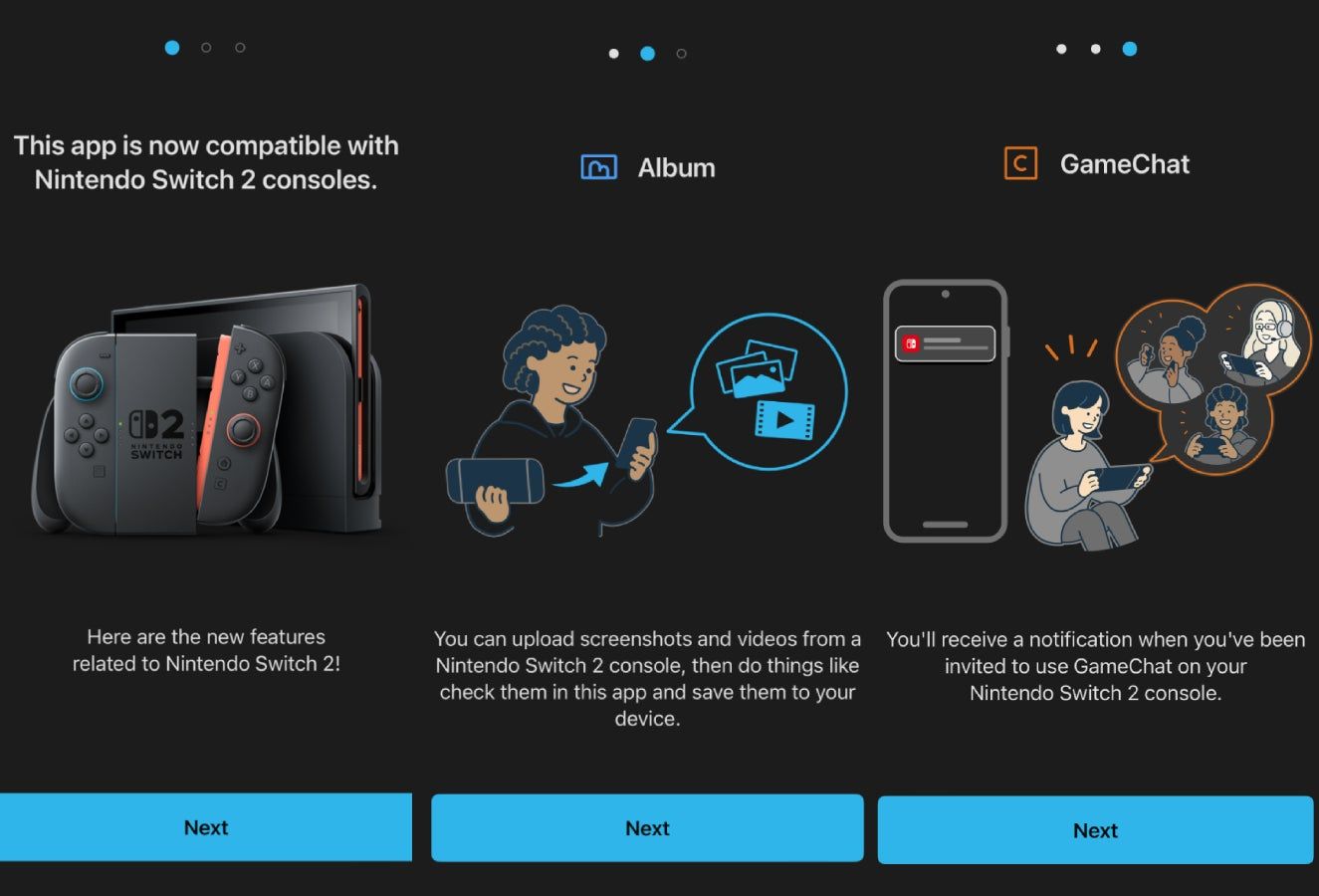
Image: eurogamer.net
Nintendo Switch App 3.5.0 turns capture sharing into the headline feature
Nintendo Switch App 3.5.0 is rolling out now, and the most useful change is also the most practical one: Nintendo has added new tools for managing uploaded screenshots and videos. According to patch notes published by Nintendo Everything, My Nintendo News, Nintendo Life, and APKMirror, the update adds filtering and sorting for uploaded media, the ability to delete uploaded screenshots and videos from Nintendo’s server, and an app setting that lets saved media use the original console capture date instead of the current save date.
That sounds small until you look at how the Nintendo Switch companion app is increasingly positioned for Switch and Switch 2 players who treat captures as part of the way they play. Nintendo’s app description, as mirrored by APKMirror for version 3.5.0, says the smartphone app supports Nintendo Switch 2 and Nintendo Switch systems, with friend features, game-specific services, and the ability to view and share screenshots and videos uploaded from a system.
The tension here is familiar for anyone who has tried to pull one perfect boss clear, cozy island corner, or platforming near-miss out of a crowded console album. Nintendo is not announcing a flashy social revamp with this Nintendo Switch App update. It is tightening the workflow around the stuff players already make, save, and send.
What changed in the Switch app patch notes
The confirmed Nintendo Switch App 3.5.0 patch notes are focused almost entirely on media handling. Nintendo Everything reports that users can now filter and sort uploaded screenshots and videos. My Nintendo News likewise says the update lets players filter and sort screenshots and videos in the app, delete uploaded ones from the server, and set the capture date as the save date from settings. APKMirror’s listing for Nintendo Switch App 3.5.0 repeats the same patch notes and marks the Android package as verified safe to install.
Nintendo Life cites the App Store patch notes and phrases one item slightly differently, saying users can display the date a file was captured on the console instead of the current date when saving a screenshot or video to a device. Nintendo Everything, My Nintendo News, and APKMirror phrase that feature as setting the capture date as the save date when saving a screenshot to your device. The practical reading is consistent across sources: the app now gives players a setting to preserve the original capture timing when moving media to a phone.
The remaining note is the usual maintenance line. The patch notes say other small bug fixes and improvements have been made, but none of the sourced listings specify individual bug fixes, performance changes, or interface adjustments beyond the capture tools.
The first setting players should check
If you use the app to move Switch or Switch 2 captures to your phone, the capture-date setting is the first feature to try. The patch notes say it can be configured from the app settings, which makes it the only new feature in version 3.5.0 that players may need to actively switch on or adjust.
That matters for anyone who keeps a camera roll as a play diary. Platformer fans know the feeling: you nail a precision jump, save the clip later, then discover your phone files it under the day you exported it rather than the night you actually pulled it off. Cozy game players run into the same issue with seasonal screenshots, island tours, or custom design moments. With the new setting, the app can preserve the date the file was captured on the console when saving it to a device, according to the App Store wording cited by Nintendo Life and the patch wording shared by other outlets.
This is a quality-of-life change rather than a new content feature, but it solves a real archival annoyance. For players who post clips, build albums, or keep receipts of rare in-game moments, original capture dates make screenshots easier to find after they leave the console.
Filtering, sorting, and deleting are the real cleanup tools
The new filter and sort options should be the next stop. The patch notes do not specify the exact filter categories or sort orders, so players should not assume support for every kind of search they might want. What is confirmed is that uploaded screenshots and videos can now be filtered and sorted inside the app.
That puts the update in a useful middle ground. It does not turn the Nintendo Switch App into a full media manager, based on the available patch notes, but it gives players a better way to navigate uploads before saving or sharing them. For anyone who captures constantly, especially across Switch 2 games and older Switch titles, even basic sorting can reduce the friction between taking a screenshot and actually using it.
The server deletion option may be the most quietly important addition. Version 3.5.0 adds the ability to delete uploaded screenshots and videos from the server, according to every patch-note source provided. Nintendo’s notes do not specify retention rules, storage limits, or whether deleted server files remain on the original console album, so players should be cautious and confirm what they are deleting in the app. Still, the direction is clear: Nintendo is giving users more control over uploads after they leave the hardware.
A companion app that finally fits daily Switch habits a little better
The Nintendo Switch App has had a strange life because many of its most useful functions sit outside the console itself. Nintendo Life describes the app as a mobile companion designed to enhance the online game experience with Switch and Switch 2, including friend status checks, adding friends, viewing and uploading screenshots and videos, and accessing services for series such as Zelda, Animal Crossing, and Splatoon. APKMirror’s app description gives the same broader shape: check whether friends are online, see what they are playing, receive notifications when a friend comes online, add friends through friend codes or QR codes, and use compatible game services.
That broader role has become easier to understand with Switch 2 in the picture. APKMirror’s description for the app specifically references Nintendo Switch 2 and Nintendo Switch systems, and it lists Switch 2 Edition services for The Legend of Zelda: Breath of the Wild and Tears of the Kingdom, including voice guidance to help reach locations players have not visited yet and QR sharing for schematics and items. It also lists services for Splatoon 3, Animal Crossing: New Horizons, Super Smash Bros. Ultimate, and Splatoon 2.
Version 3.5.0 does not add a new game-specific service, based on the published patch notes. Its value is that it improves the connective tissue. If the app is where friends, uploads, sharing, and game services meet, then screenshots and videos cannot feel like clutter. This update makes that corner of the app less disposable.
The March update set the direction, and 3.5.0 follows it
Nintendo Everything notes that the last major update arrived in March and was highlighted by the ability to save notes about users on a friend list, helping players keep track of who is who. Nintendo Life also identifies version 3.5.0 as the first update since earlier in the year.
Taken together, the March and September updates suggest a practical pattern rather than a flashy relaunch. One update made the friend list easier to remember and manage. This one makes uploaded captures easier to organize and remove. Both features support the same kind of real-world use: the app becomes more helpful when it deals with the messiness around modern console play, where names change, friend lists blur, and albums fill up with moments you meant to share later.
There is still plenty the patch notes do not answer. The sources do not say whether filtering differs between screenshots and videos, whether server deletion has any recovery window, or whether the app’s media workflow has changed on iOS and Android in identical ways. My Nintendo News says the update is for iOS and Android devices, and Nintendo Everything says the Nintendo Switch App can be downloaded on iOS and Android now, but the supplied notes do not break down platform-specific differences.
Who should update now, and who can wait
Players who regularly move screenshots or clips to a phone should update now. The new capture-date option is immediately useful, and filtering, sorting, and server deletion all reduce the friction around uploaded media. If you share indie discoveries, platforming clears, custom designs, Splatoon results, or Zelda route finds, this Nintendo Switch App update is built around the exact files you probably touch most often.
Players who only use the app for friend features or game-specific services may find version 3.5.0 less dramatic. The patch notes do not list new services, new supported games, or major social changes. APKMirror’s listing also notes that some online features, including voice chat, require a Nintendo Account age 13 or older, and that an active Nintendo Switch Online membership is required for certain features, so the app’s usefulness still depends on account status, subscriptions, and which games you play.
For Switch 2 owners, the significance is less about one patch and more about momentum. Nintendo’s companion app now supports Switch and Switch 2, has services tied to Switch 2 Editions of major Zelda games according to the app listing, and keeps receiving small usability improvements. Nintendo Switch App 3.5.0 will not persuade every lapsed user to reorganize their gaming life around a phone app. But for players already capturing, sharing, and tracking play across Nintendo hardware, it makes the app feel a little less like an obligation and a little more like a useful tool.