
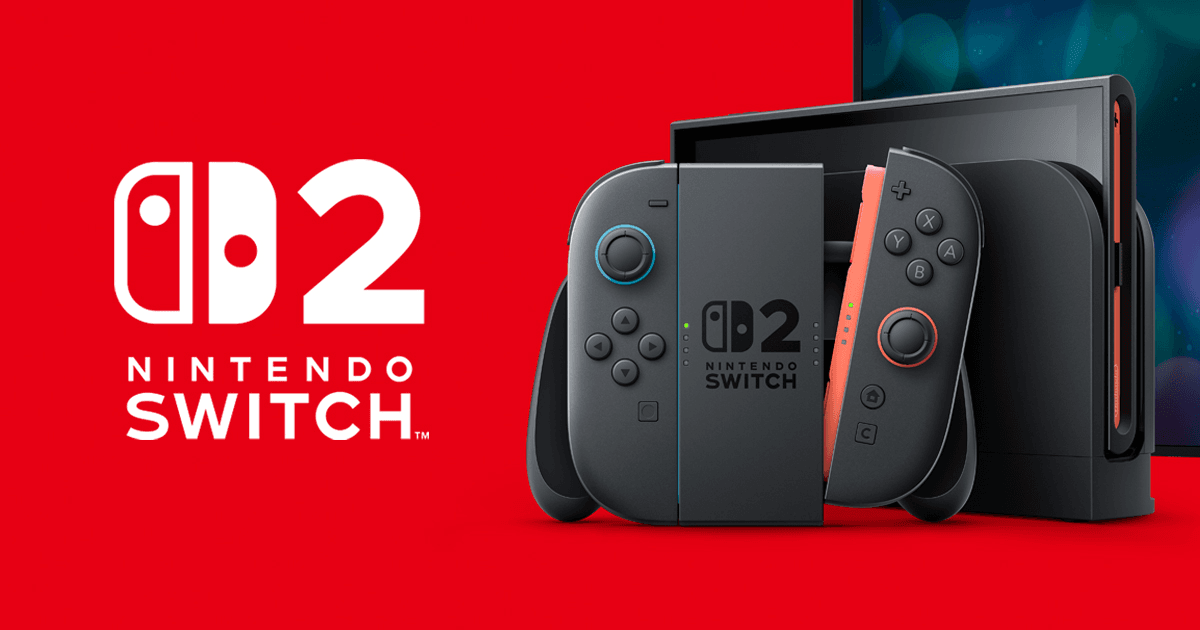

Nintendo Switch 2’s new GameShare feature lets one copy of a game power multiplayer sessions across multiple systems, including the original Switch. Here’s how it works, which games support it, and how Nintendo is using it as a strategic advantage.
Nintendo has quietly turned one of Switch 2’s most interesting new tricks into a potential game changer for local co‑op: GameShare.
Instead of everyone in a group needing to buy the same game, one Switch 2 can host a multiplayer session and beam a temporary copy of the software to nearby systems. In some cases, it can even do the same online. It feels like a modern take on DS Download Play, but with far fewer compromises and much broader support.
In this explainer, we will break down how GameShare works on Nintendo Switch 2, which games support it so far, and what it signals about Nintendo’s strategy against Xbox, PlayStation, and PC.
What is GameShare on Nintendo Switch 2?
GameShare is a system‑level feature on Nintendo Switch 2 that lets one owner of a supported game share it with other players who do not own it.
A few core rules define how it works:
GameShare host: Only a Nintendo Switch 2 can start a GameShare session. This host must own a digital or physical copy of a compatible game.
Guests: Other players can join the session as guests and play a temporary copy of that game.
Supported systems:
Guests can join on another Nintendo Switch 2.
Guests can also join locally on an original Nintendo Switch, even though that older system cannot host GameShare itself.
Session‑based access: Guests only have access to the shared game while the GameShare session is active. Once the host quits or the session ends, the shared software closes on the guest systems.
Nintendo essentially treats the host Switch 2 as a streaming point for the game license while still running all gameplay locally on each system. Everyone sees the same version of the software, but only one person has actually purchased it.
Local GameShare vs Online GameShare
GameShare works in two main scenarios, and which one you can use depends on both the game and the hardware.
Local GameShare
Local GameShare uses direct wireless communication between systems.
A Switch 2 owner starts a GameShare session inside a compatible game.
Nearby players on Switch 2 or the original Switch search for local wireless lobbies and join as guests.
Up to three guest systems can connect to a single host at once, meaning you can have as many as four consoles running off one copy of the game.
This mode is the most flexible, because it bridges generations. An upgraded Switch 2 can still share games with friends and family who have not upgraded from the original hybrid.
Online GameShare through GameChat
Nintendo has also tied GameShare into its new GameChat system, a built‑in online voice and lobby feature exclusive to Switch 2.
A Switch 2 user starts a GameChat session and invites friends.
If the game they are playing supports online GameShare, guests in that GameChat can join the game even without owning it.
All players must be on Switch 2 to join over the internet.
Because it runs over Nintendo’s online infrastructure, this version has extra requirements. You need a Nintendo Account, an active Nintendo Switch Online subscription, a stable internet connection, and in some regions a registered mobile phone number tied to GameChat use. Parents also have to approve GameChat for child accounts.
The crucial catch is that online GameShare is completely session‑bound. When the GameChat room closes, so does access to the shared game.
What GameShare can and cannot do
Functionally, GameShare is a middle ground between a generous demo system and a proper license share.
It allows up to four systems (one host, three guests) to play the same full game simultaneously without every player owning it.
Guests usually have access to the complete multiplayer suite, not a stripped‑down mode, so it feels like real co‑op rather than a demo slice.
Existing Switch software can be updated to support GameShare, so you are not limited to brand new Switch 2 exclusives.
On the flip side, Guest access is never permanent. You cannot install a game via GameShare and then play it again tomorrow without the host.
Only Switch 2 can host. An original Switch can happily join locally, but it will never initiate sharing.
Online hosting is restricted to Switch 2 to Switch 2 connections; the older hardware is local‑only.
That design keeps GameShare clearly inside the “try it with friends, then buy it” lane instead of becoming a loophole around buying games at all.
Which games support GameShare right now?
Nintendo is refreshing a surprising number of older Switch releases with GameShare support while also baking it directly into new titles. Nintendo Everything is maintaining a running list of compatible games, and it is already sizable.
While the list changes as more games receive updates, these are some of the notable titles that currently support GameShare on Switch 2:
Super Mario Odyssey: Nintendo has updated its flagship platformer so a single copy on Switch 2 can power co‑op runs where a second player becomes Cappy. Friends on either Switch 2 or the original Switch can jump in locally as guests.
Super Mario Bros. Wonder – Nintendo Switch 2 Edition: The enhanced Wonder port supports GameShare so a single purchase can fuel four‑player chaos on multiple systems. This is particularly attractive for families where everyone wants their own screen.
Super Mario 3D World + Bowser’s Fury: The multiplayer‑centric design of 3D World makes it a natural fit. With GameShare, a group can split across multiple consoles without buying extra copies.
Donkey Kong Bananza: Nintendo’s new Kong outing supports local and, in some cases, online GameShare, letting one player host a full co‑op run while friends connect as guests.
Kirby Air Riders: A multiplayer‑focused Kirby racer that leans hard on GameShare to fill out lobbies without every player owning the game.
Hyrule Warriors: Age of Imprisonment: Koei Tecmo’s musou spin‑off taps into GameShare to help co‑op sessions get going quickly, a big plus given its long missions.
Stardew Valley: Nintendo Switch 2 Edition: The farming sim’s co‑op play becomes much easier to recommend when one farm owner can let friends join via GameShare.
Clubhouse Games: 51 Worldwide Classics: This is one of the clearest beneficiaries, mimicking DS Download Play by letting card, board, and party games spread across nearby systems from a single copy.
Captain Toad: Treasure Tracker: Puzzle stages work especially well with everyone having their own camera and perspective while still playing off one purchased copy.
Puyo Puyo Tetris 2S and Overcooked 2 – Nintendo Switch 2 Edition: These multiplayer staples lean into local GameShare support to make party play frictionless.
Nintendo Everything’s list also calls out third‑party titles like WWE 2K25, Goat Simulator 3, Fast Fusion, Split Fiction, and more. Crucially, it tracks whether each game supports only local guests, only GameChat online guests, or both, since support varies on a title‑by‑title basis.
The takeaway is that GameShare is not just a first‑party curiosity. Publishers across genres, from brawlers to card games, are starting to treat it as a standard feature for multiplayer and party‑friendly releases.
How to use GameShare on Switch 2 in practice
The exact menu wording will differ per title, but the general flow looks similar across compatible games.
As the host, you start the game on your Switch 2 and select a multiplayer or co‑op mode.
You choose a GameShare or local wireless option from the in‑game menu, which spins up a sharing session.
Nearby players on Switch 2 or original Switch navigate to the same game icon or a system‑level “Join GameShare” prompt, then search for your lobby.
Once they connect, the system temporarily downloads the data it needs and launches their guest copy directly into your lobby.
For online sessions, the flow starts from a GameChat room instead. You invite friends into GameChat, launch a supported game, then let them join the match straight from that session.
The result is that GameShare is mostly invisible to players. At its best it feels like joining a normal online or local lobby, just without the friction of everyone having to buy the game first.
Why GameShare matters for Nintendo’s strategy
On paper, GameShare looks like a simple quality‑of‑life upgrade. In context, it is a clear statement of what Nintendo wants the Switch 2 to be against ever more powerful competitors.
Doubling down on social and local play
Where Xbox and PlayStation position themselves heavily around visuals, services, and cloud ecosystems, Nintendo keeps returning to the same strengths: local multiplayer, portability, and approachable hardware.
GameShare supercharges that formula. It reduces the cost of entry for four‑player co‑op nights, schoolyard card games, and family evenings. Parents can justify buying one copy of a party title instead of four. Friends who are on the fence can join a GameShare session, have a full experience, then decide if they want to own it themselves.
This creates a virtuous cycle for games that are already “better with friends.” If you love a GameShare session of a title like Super Mario Wonder or Clubhouse Games, the natural next step is buying your own copy to keep playing without relying on the host.
Softening the generation jump
Crucially, GameShare is also one of the most player‑friendly bridges between Switch and Switch 2.
By letting original Switch systems receive locally shared games, Nintendo avoids fragmenting friend groups overnight. One upgraded console in a group can suddenly unlock whole evenings of new‑generation content for people still on older hardware.
This helps Nintendo combat a problem that traditionally benefits Sony and Microsoft: when a new generation arrives, the old install base often becomes an anchor. GameShare turns the upgraded player into an ambassador for the new system instead.
A different answer to Game Pass and family sharing
Compared to services like Xbox Game Pass or Steam’s family sharing, GameShare is more limited but also more focused.
It does not attempt to replace ownership or subscriptions across a library. Instead, it zeroes in on the moments when multiple people want to play the same game together.
On Nintendo platforms, those are some of the most important moments. Mario Kart, Smash, Mario Party, and co‑op platformers remain system‑sellers precisely because they are best enjoyed with others in the same room. GameShare makes that pitch stronger without needing a sprawling subscription or complex licensing rules.
At the same time, tying online GameShare to Switch Online and GameChat gives Nintendo another reason for players to stay inside its ecosystem rather than drifting to Discord and cross‑platform services.
What to expect next from GameShare
Given how quickly the compatible list is growing and how many older titles are getting updates, GameShare looks less like a short‑term gimmick and more like a pillar of Switch 2’s multiplayer identity.
Expect more first‑party releases to ship with GameShare hooks on day one, especially anything with co‑op or competitive multiplayer.
Publishers that depend on big launch weekend player counts, like sports and fighting game makers, have an incentive to support it so that one early adopter can pull three friends into matches.
Indie games with strong couch co‑op or party concepts could use GameShare support as a way to stand out on the crowded eShop, knowing that one purchase can seed entire friend groups.
For players, the practical advice is simple. If you plan to pick up a Switch 2 and play a lot of local or online co‑op, GameShare support should be on your checklist when choosing games. With features like this, Nintendo is not trying to win raw spec wars. It is trying to win living rooms, school cafeterias, and train commutes.
Right now, GameShare is one of the strongest examples of that strategy in action on Nintendo Switch 2.