
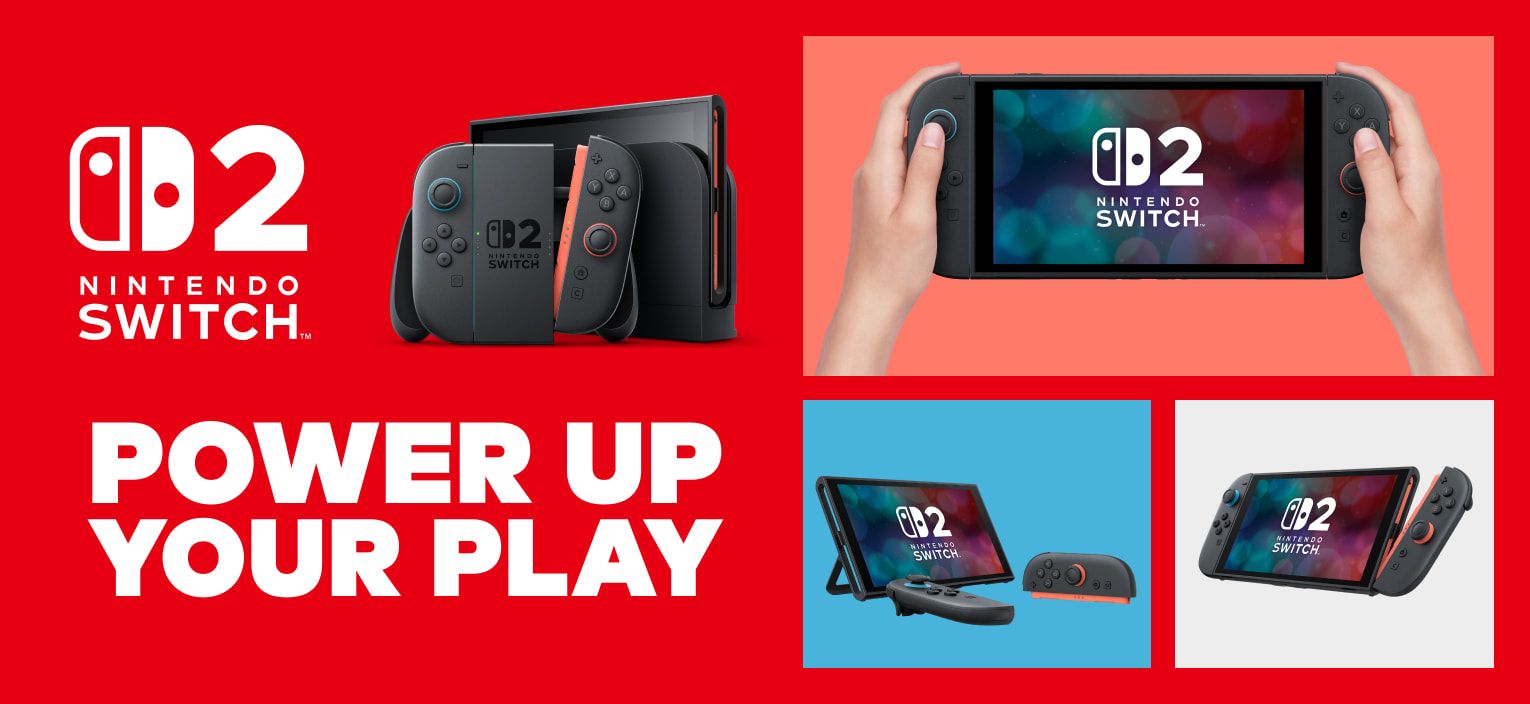

Nintendo’s free parent guide arrives as UK research shows many families feel under-informed about gaming. Here is how parents can use it before buying Switch 2 games, setting controls, and choosing age-appropriate Nintendo gifts.
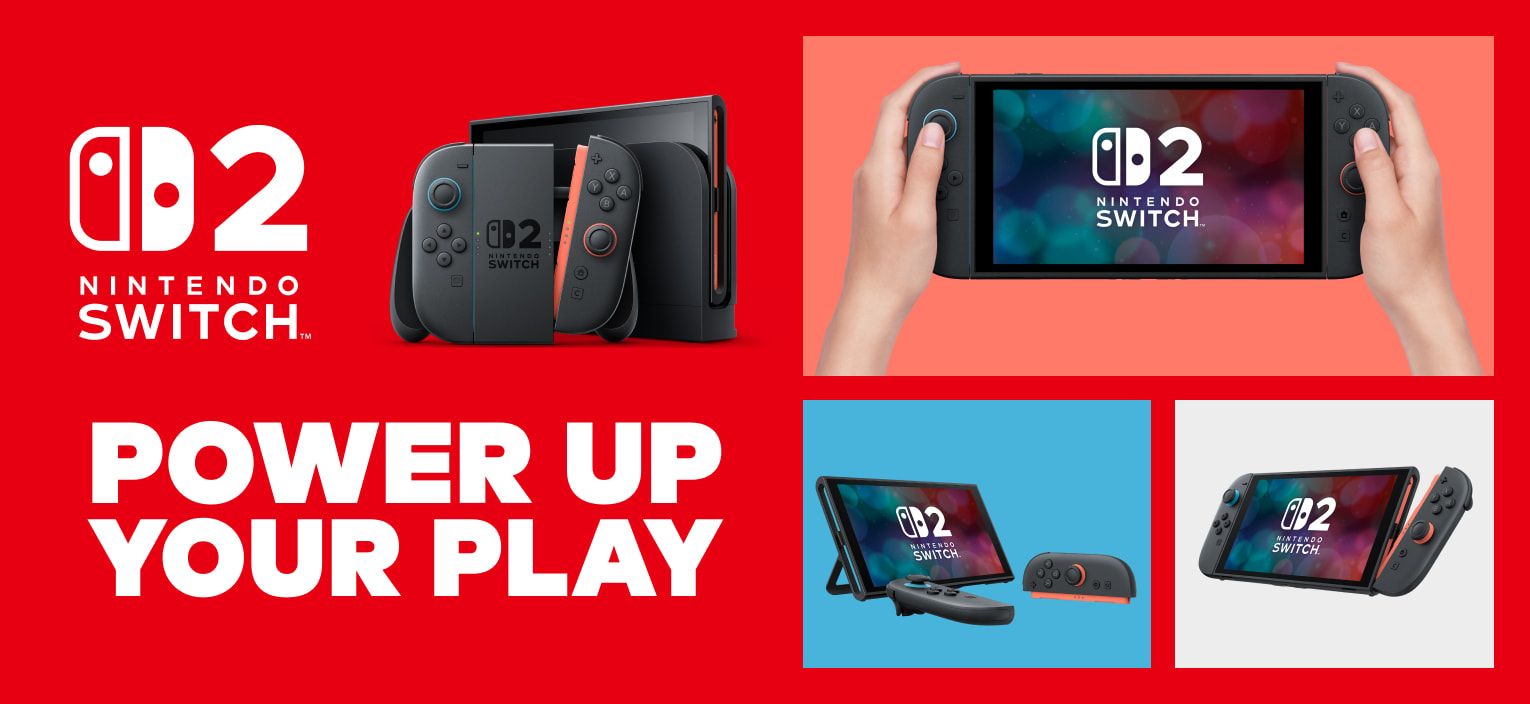
Image: nintendo.com
Nintendo’s guide lands before the hardest shopping question: what is safe?
Nintendo UK has released a free Parent’s Guide to Gaming with Confidence, a downloadable PDF made with the Family Gaming Database, after Nintendo-commissioned research found that 68% of UK parents make decisions about their children’s gaming without always feeling fully informed, according to VGC and Last Word on Gaming. Techtroduce reports that the survey covered 2,000 UK parents with children aged seven to 16 and says the guide was announced on October 26, 2026.
That timing matters for families looking at a Nintendo Switch 2 during holiday shopping. A console box is easy to compare. Game safety is harder. Age ratings, online communication, screen time, user-generated content, and spending controls all live in different places, and the wrong assumption can make a child’s first week with a new system messier than it needs to be.
The strongest use for the Nintendo parent guide is as a pre-shopping filter. Before buying a bundle, downloading a discounted game, or letting a child build a wish list, parents can use the guide’s focus areas to sort games by age rating, content, online features, and the kind of family rules each game will require. That is especially useful for Nintendo Switch 2 parents who may be upgrading from an older Switch, buying into Nintendo for the first time, or trying to choose safe Nintendo games without having to learn every gaming term from their children at the checkout page.
The research shows parents are asking for practical tools, not lectures
Nintendo’s survey results, as reported by VGC, show a very specific confidence gap. Seventy-one percent of surveyed parents said they rely on their child to explain gaming terminology, trends, or issues. Twenty-eight percent said video games are the child interest they understand least, higher than watching online content, social media, or sports in the figures reported by VGC and Last Word on Gaming.
The concerns are equally concrete. VGC reports that 35% of surveyed parents worried about screen time, 28% about exposure to inappropriate content, and 25% about who children speak to while playing. When asked what would help, 37% wanted guidance on managing screen time, 32% wanted to learn how to set parental controls, and 30% wanted to understand game content better. VGC also notes that 24% of parents surveyed felt less informed about parental controls specifically.
That is the tension behind the new Nintendo parent guide. Parents are not simply being told that games carry risks. They are asking how to make decisions before the console is in the living room and before the first online invitation arrives. The guide responds by covering age ratings, choosing suitable family games, online safety, screen time, and parental controls, according to VGC. Last Word on Gaming adds that it is available free in English as a PDF and, while developed for a UK audience, may also help families elsewhere who want a clearer view of children’s gaming habits.
Start with the rating, then inspect what the game actually asks players to do
For holiday buyers, the guide’s age-rating advice should be the first pass, not the last. Ratings are the quickest way to rule out obviously unsuitable games, but they do not tell the whole story of how a game fits a household. A gentle-looking platformer, a creative sandbox, a racing game, and an online party game can create very different family questions even when the box art looks bright and friendly.
The useful next step is to ask what the game does moment to moment. Does it involve online matchmaking? Does it allow communication with other players? Does it include user-generated content? Does it sell add-ons or in-game items through a storefront? Does it demand long uninterrupted sessions, or can a child pause between stages? Those questions line up with the parent concerns Nintendo’s research surfaced: time, content, and strangers.
This is where discovery-focused shopping helps. Smaller games, platformers, puzzle games, and local co-op releases can be excellent family choices when their mechanics fit the child’s age and patience level, but they still deserve the same check as a major Nintendo release. Difficulty matters too. A beautifully made platformer can become a frustration machine for a younger player if it expects precise jumps, reading-heavy objectives, or fast retries. The safer purchase is not always the most famous logo on the shelf. It is the game whose rating, pace, controls, online features, and family expectations all line up.
Parental controls are split across console, app, and account settings
One practical warning from the source material should be on every Switch 2 holiday setup checklist: parental controls are not a single switch. iTechGuides, in its Nintendo Switch 2 parental-control setup guide, says families should use three separate control surfaces. Age and communication limits are handled through the Switch 2’s System Settings and Parental Controls. Playtime, bedtime, activity reports, and selected-game exceptions are handled through the free Nintendo Switch Parental Controls app. Purchase restrictions for Nintendo eShop and Nintendo Store are set through the supervising adult’s Nintendo Account.
That distinction is easy to miss. iTechGuides specifically warns that a console PIN or playtime limit by itself does not block purchases. For parents setting up a holiday console, that means the sensible order is to secure the adult account, confirm spending and eShop viewing limits, set the console restrictions, and then use the app for daily routines. If a child receives the system before those steps are done, the family may discover too late that the time rule worked but the purchase rule did not.
iTechGuides also describes the Nintendo Switch Parental Controls app as the better family control center when guardians want play-activity history, remote changes, or shared oversight. Its broader Switch parental-control guide recommends starting with the age preset that fits the youngest regular player, setting a daily play-time limit and bedtime, enabling Suspend Play When Time’s Up, restricting communication and user-generated content, and then reviewing eShop spending controls. It also notes that families can move to Custom restrictions when one child needs an exception.
The healthiest setup includes conversation, not only restriction
Nintendo’s guide appears designed to move the conversation away from panic and toward informed participation. VGC reports that the guide includes advice explaining why discussing video games with children can help them feel understood. Ellie Gibson, a games journalist who contributed to the guide, said in Nintendo’s statement that gaming can be creative, social, and a way for families to spend time together, while also stressing that not all gaming experiences are the same.
That distinction is valuable for parents shopping under time pressure. A screen-time number alone does not explain whether a child spent an hour building, reading, solving, competing, chatting, or simply waiting in menus. A content rating alone does not reveal whether a game’s social spaces are appropriate for a particular child. The guide’s better lesson is that safe Nintendo games are chosen through context: the child’s age, the game’s systems, the family’s schedule, and the parent’s willingness to check in after purchase.
Dr Amanda Gummer, child psychologist and founder of The Good Play Guide, said in the statement reported by VGC that technology is evolving quickly and that many parents are trying to keep pace with new games, platforms, and online trends without the information they need. That is a useful framing for Nintendo parental controls. They are guardrails, not substitutes for a parent asking what a child is playing, who they play with, whether a game feels fair, and when a rule should bend for a weekend family session.
A practical holiday plan for Nintendo Switch 2 parents
The best time to use the Nintendo holiday shopping guide approach is before the gift is opened. First, download the free Parent’s Guide to Gaming with Confidence from the Family Gaming Database PDF linked by Nintendo’s coverage, then use its topics as a shopping checklist: age rating, game content, online safety, screen time, and parental controls. For each game on a wish list, check whether the experience is primarily solo, local multiplayer, or online, and whether it includes communication or user-generated content.
Second, treat the console setup as part of the gift. Based on iTechGuides’ Switch 2 parental-control breakdown, parents should not assume one PIN covers everything. Configure console restrictions for age and communication, link the Nintendo Switch Parental Controls app for playtime and activity reporting, and use the supervising adult’s Nintendo Account for eShop and Nintendo Store purchase restrictions. That last step is especially important if holiday gift cards or digital sales are part of the plan.
Third, choose the first few games with rhythm in mind. A family-friendly platformer with short stages can be easier to manage on school nights than a game built around long online sessions. A creative game may invite collaboration if adults understand its tools. A competitive game may need clearer rules about chat, strangers, and stopping points. The sources do not provide a list of recommended titles, so parents should be wary of any one-size-fits-all answer. The safer path is to match the game’s rating and features to the child, then revisit the settings after the first week of real play.