
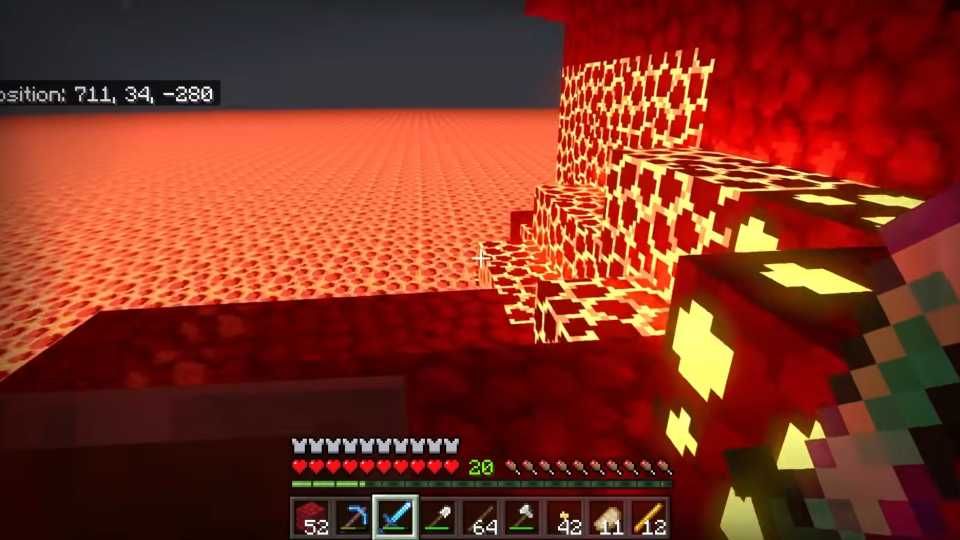

Minecraft's Switch 2 closed beta now includes Joy-Con 2 mouse controls. Here is what changes for building, aiming, flying, and inventory-heavy play, plus what remains unannounced.
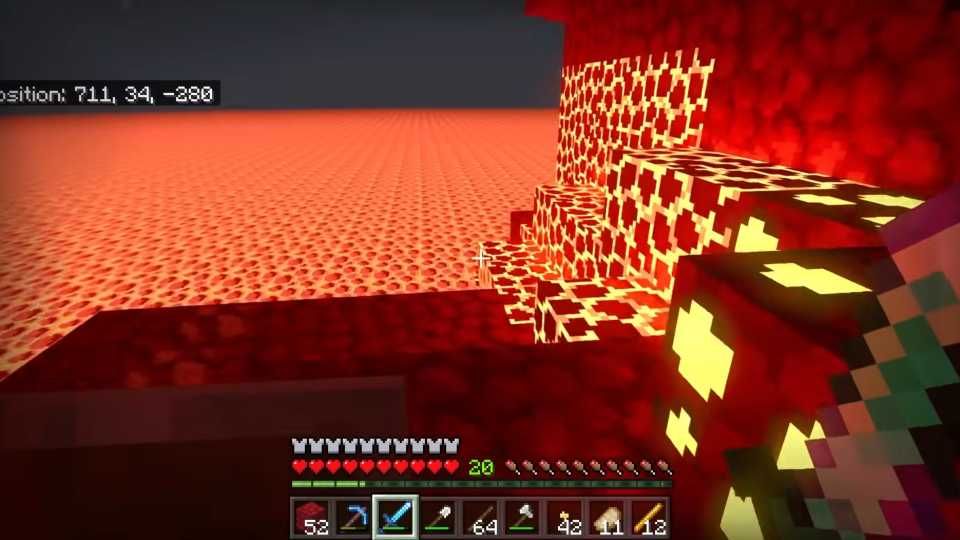
Image: gamerant.com
Minecraft’s Switch 2 mouse mode is real, but still in beta
Minecraft on Nintendo Switch 2 now has the feature many players expected at launch: Joy-Con 2 mouse controls. The catch is that they are currently available only in the game’s closed beta build, according to Nintendo Everything, Nintendo Life, and My Nintendo News, rather than in the public release everyone can download.
That makes this a practical control story with one important caveat. Joy-Con 2 mouse controls Minecraft support is in active testing, and the beta already exposes several control settings, but Mojang and Microsoft have not provided a public release date in the supplied source material. Nintendo Life reports that the feature will come to every player “at some point in the future,” while My Nintendo News says it is unknown when the feature will be added in a public release update.
The timing matters because the dedicated Minecraft Nintendo Switch 2 version launched recently without mouse mode. Game Rant called the absence a missed opportunity in an October 27, 2026 piece, arguing that Minecraft’s block-by-block building was an obvious fit for the Joy-Con 2 hardware. The new beta does not rewrite that launch criticism, but it does show the gap is being addressed rather than ignored.
How the Joy-Con 2 mouse controls work in the beta
The current Switch 2 Minecraft controls in the closed beta let players use mouse input with either the left or right Joy-Con 2, according to Nintendo Everything and Nintendo Life. That detail is easy to overlook, but it is the most flexible part of the implementation. It suggests the game is not locking mouse mode to one handed setup, which should help players who already have strong muscle memory from handheld, docked, or tabletop play.
The beta also adds settings for cursor sensitivity and camera sensitivity. My Nintendo News describes those as manual adjustments for both cursor and camera behavior, while Archyde, citing Project N, says the beta includes dedicated menus for calibrating cursor sensitivity and camera responsiveness. For Minecraft, that separation is important because cursor movement and camera turning are related but not identical tasks. Placing a row of blocks along a roofline asks for a different feel than snapping your view toward a skeleton in a cave.
Default button mapping in the beta is straightforward. Nintendo Everything reports that ZL places blocks and ZR breaks blocks, with flying assigned to A and descent assigned to B. Nintendo Life also notes that ZR is used to break and select blocks. The layout can be changed in the game’s settings, according to Nintendo Everything and Nintendo Life, so the defaults should be treated as the starting point rather than a final verdict on comfort.
Building should gain the most from mouse-style aiming
The biggest beneficiary is building, especially the kind of building that turns Minecraft from a survival loop into a craft discipline. Game Rant’s earlier criticism of the Switch 2 version focused on exactly this point: Minecraft players spend long stretches aiming at specific blocks, placing and removing individual pieces, and constantly adjusting the camera. Analog sticks can do the job, but they make tiny corrections feel heavier than they should.
Mouse-style input should help most when the player is repeating precise placements across a flat plane, tracing outlines, cleaning up mistakes, or working at odd angles. Roofs, stair runs, patterned floors, redstone-adjacent layouts, and decorative façades all ask for a steady rhythm: aim, place, adjust, place again. In the beta setup described by Nintendo Everything, ZL handles placement while the Joy-Con 2 mouse motion handles the aim, so the physical action maps cleanly to that rhythm.
This is an interpretation based on the reported control layout, not a performance claim from Mojang. None of the supplied sources provide hands-on latency measurements, fatigue testing, or build-mode benchmarks. Still, the control logic is plain enough. Minecraft building punishes overshooting the target. Any input method that gives players finer camera and cursor control has the potential to reduce those little corrections that make console building feel slower than PC-style play.
Combat and mining could feel sharper, if camera tuning is right
Mouse controls should also change the feel of aiming during combat and mining, though the benefits may depend heavily on sensitivity settings. Minecraft combat on console often comes down to quickly centering the crosshair, keeping enemies in view, and recovering after a hit or knockback. A Joy-Con 2 mouse setup could make those camera swings faster and less stick-bound, especially for players used to mouse aiming elsewhere.
The beta’s separate camera sensitivity option, reported by Nintendo Everything, Nintendo Life, and My Nintendo News, is the key safeguard here. A high sensitivity might feel great for scanning caves or turning during a fight, but too twitchy for placing a torch on a narrow wall or selecting the correct block face. A lower sensitivity may help builders but slow down survival players who want to react quickly. The presence of both cursor and camera settings means the Minecraft Nintendo Switch 2 update is at least giving players room to tune the tradeoff.
Mining sits between those two worlds. Strip mining, branch mining, and digging staircases are repetitive, alignment-heavy tasks. The default ZR break input, reported across the beta coverage, pairs naturally with aiming at the next block in a line. If the mouse mode tracks consistently on real surfaces, mining could become one of the quiet everyday improvements rather than a flashy showcase feature.
Inventory-heavy play is the open question
The current reports tell us a lot about block placement, breaking, flying, and sensitivity. They say less about inventory management, crafting menus, hotbar behavior, and container navigation. That is where players should be careful about assuming this will feel like a full PC mouse-and-keyboard setup.
Nintendo Life reports that ZR can be used to break and select blocks, and Nintendo Everything says players will select blocks with ZR. That confirms at least some selection behavior tied to the trigger, but the supplied sources do not describe how the beta handles dragging items, splitting stacks, recipe book navigation, chest sorting, or creative inventory browsing. Those are the tasks where mouse input could be transformative if implemented deeply, but frustrating if it only controls the camera and a basic pointer.
For builders, inventory speed is almost as important as aiming. Swapping materials, picking variants, managing shulker boxes, and moving through creative tabs can decide whether a long session feels fluid or fussy. Until Mojang or beta testers provide clearer public detail, the safest reading is that Joy-Con 2 mouse controls Minecraft support is confirmed for movement of cursor and camera plus remappable gameplay buttons, while full inventory behavior remains under-described in the available reporting.
Switch 2 context: a visual upgrade now, a control upgrade later
The mouse-control beta lands shortly after Minecraft’s dedicated Switch 2 release brought other improvements. My Nintendo News says the Switch 2 version launched a few weeks before its November 15, 2026 report with Mojang’s Vibrant Visuals update and the Nintendo-exclusive Super Mario Mash-Up Pack. Nintendo Everything’s overview describes Vibrant Visuals as Minecraft’s biggest official visual enhancement, with a modern graphics pipeline, more vivid sunrises, reflective water, shaded forests, and other cosmetic upgrades.
That creates a clear split in the Switch 2 edition’s early identity. At launch, the upgrade story centered on presentation and platform-specific content. According to Game Rant, players quickly noticed that Joy-Con 2 mouse support was missing despite the hardware’s suitability for Minecraft’s building mechanics. The closed beta now shifts the conversation toward input, which may matter more over hundreds of hours than a prettier sunrise.
There are also practical upgrade details for current Switch owners. My Nintendo News reports that owners of the original Switch version can upgrade to the Switch 2 edition for free until January 31, 2027. Nintendo Life similarly reports a free Switch 2 upgrade for players who own a digital Switch copy until the end of January 2027, while physical Switch owners can get a discount on the Minecraft Ultimate Collection upgrade for Switch 2. The supplied sources do not list a separate price for mouse controls, and because the feature is described as an update to the Switch 2 version, there is no basis here to treat it as paid DLC.
Should players wait for the public update?
If you already own Minecraft on Switch 2, the answer is simple: do not rebuild your setup around mouse mode until it leaves beta, but keep an eye on the next public Minecraft Nintendo Switch 2 update. The feature is real in testing, and multiple Nintendo-focused outlets report the same core details, but the public timing is still unannounced.
If you are deciding whether to move from the original Switch version, the upgrade path may be the stronger immediate reason than mouse controls alone. The free digital upgrade window reported by My Nintendo News and Nintendo Life runs through late January 2027, while the beta mouse support has no confirmed public date in the supplied material. Players who care about preserving value may want to claim the eligible upgrade first and treat mouse mode as an incoming quality-of-life improvement rather than a launch-ready promise.
For builders, the feature is worth watching closely. For survival players, it could make aiming, mining, and cave movement feel cleaner if sensitivity options are robust. For inventory perfectionists, the jury is still out. The best version of Minecraft Switch 2 mouse controls would make both construction and menu work faster. Right now, the confirmed beta details show a promising control foundation, with the deeper comfort questions waiting on the public rollout.