
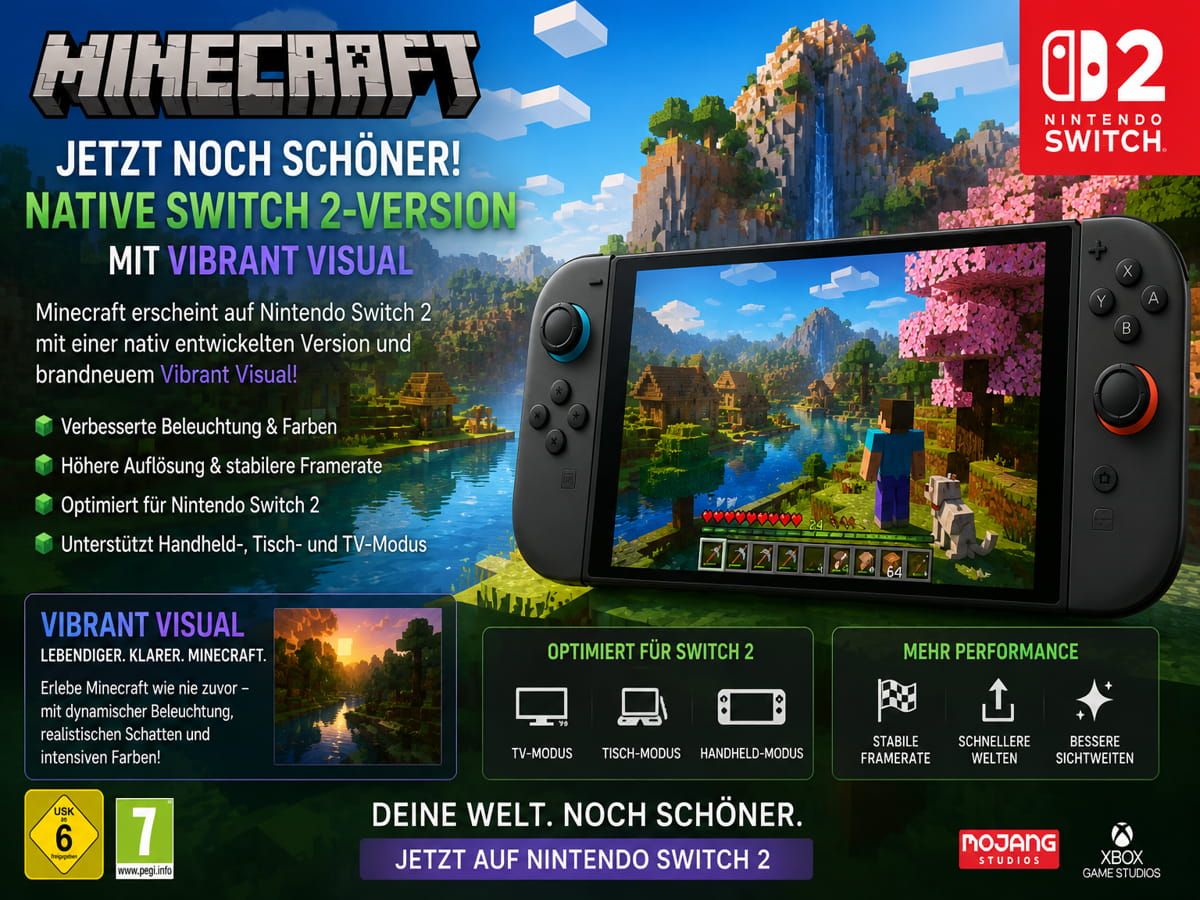

Early Minecraft Nintendo Switch 2 impressions point to a prettier, faster portable version, but controls, Vibrant Visuals tradeoffs, and upgrade rules complicate the move.
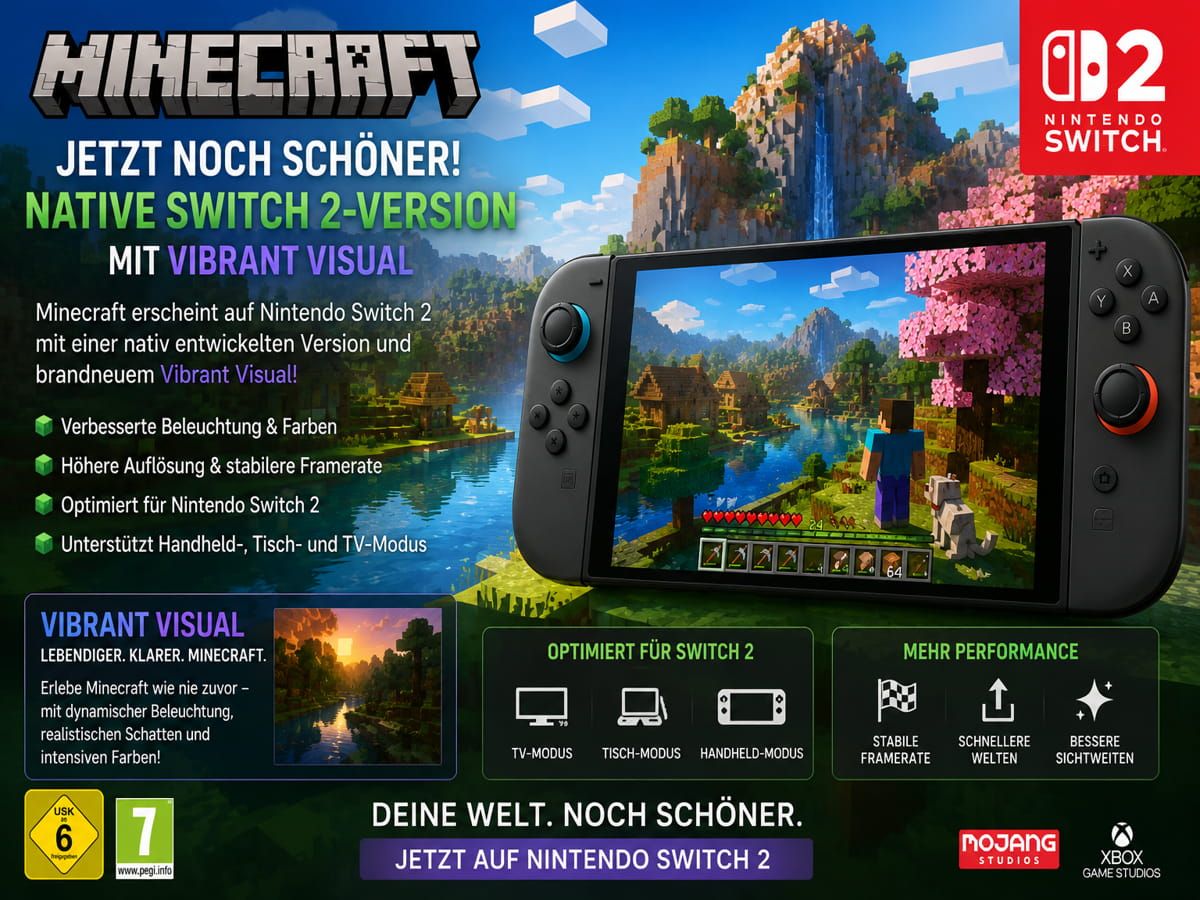
Image: shivam-das-5.myshopify.com
Minecraft lands on Switch 2 with a real upgrade, and a familiar catch
Minecraft’s Nintendo Switch 2 version launched on October 27, 2026, with Mojang listed as developer and Microsoft as publisher by Nintendo Everything, and the early verdict is unusually consistent: this is a better-performing, better-looking version than the original Switch release, but it does not erase every old console compromise.
The strongest confirmed improvement is visual and technical. Nintendo Life describes the Switch 2 release as a solid upgrade over the older Switch version, with faster load times, quicker chunk generation, and support for the advanced graphical package called Vibrant Visuals. MonsterVine similarly reports that Minecraft on Switch 2 is “largely consistent and smooth,” with multiple graphics options, Visuals and Performance modes, and an uncapped frame rate option.
The tension for returning players is that Minecraft is a game people often carry for years across platforms, worlds, friend groups, and storefront accounts. The Switch 2 version appears to be a meaningful step up for portable play, but early impressions also point to missing control options, mode-by-mode performance tradeoffs, and an upgrade path that treats digital and physical owners differently.
Vibrant Visuals is the headline feature, but it changes the performance equation
Across the available impressions, Vibrant Visuals is the main reason Minecraft Switch 2 looks like a generational update instead of a routine port. Nintendo Life identifies the feature set as including more advanced water reflections, volumetric fog, and dynamic shadows from moving light sources. Nintendo Everything highlights similar changes, saying water becomes highly reflective, sunsets can cast orange light across waves, shadows are dynamic, and environments take on richer color without abandoning Minecraft’s blocky art style.
That last point matters because Minecraft’s readability is part of its craft. A cave entrance, a patch of water, a mob silhouette at dusk, or a half-built roof needs to remain instantly legible. Based on early coverage, Vibrant Visuals seems to polish the world rather than replace it with a different aesthetic. The sources describe a prettier Minecraft, not a visually reinterpreted one.
Performance is where the decision gets less simple. Nintendo Life reports that the Switch 2 version targets 60fps, while noting that frames can drop depending on what is happening onscreen. The same review says players can raise graphical settings for a more striking image in exchange for a frame rate closer to 30fps. Nintendo Everything makes a similar distinction, saying Performance Mode reduces resolution when Vibrant Visuals is enabled, while Quality Mode reduces frame rate.
So the useful early read is this: Vibrant Visuals is the showpiece, but it is also the setting that forces players to decide what kind of Minecraft they value. Builders who spend long stretches sculpting scenic worlds may accept a lower frame rate for richer lighting and reflections. Survival players who react to mobs, sprint through terrain, and manage inventories under pressure may prefer smoother response.
Performance impressions point to a strong port, not a flawless one
The best news for players worried about Minecraft Switch 2 performance is that reviewers are not describing the kind of sluggish baseline that hurt the original Switch version’s reputation. Nintendo Life says load times and chunk generation are significantly faster than the previous generation, calling the game snappier and more responsive. Nintendo Everything says that without Vibrant Visuals enabled, the Switch 2 version has drastically increased performance compared with Switch 1.
MonsterVine’s early impressions are similarly positive, reporting consistent performance outside of “occasional weird drops” while using the inventory. That is a small detail, but it is the kind of detail Minecraft players should notice. Inventory flow is not cosmetic in Survival. If the game hiccups while a player is sorting food, tools, blocks, or emergency gear, the friction is felt during the routine rhythm of play.
Community testing adds a less formal but useful warning label. A Reddit user on r/NintendoSwitch2, posting handheld observations from a fresh Survival world in a woods biome, reported that Vibrant Visuals with maximum graphics settings ran below 30fps and felt unstable. The same user said Vibrant Visuals in Performance Mode could run above 60fps in some areas but looked blurrier and showed shimmering on water and leaves, while Visual Quality Mode appeared sharper but hovered around 30fps or lower with noticeable input lag. That is one player’s test, not a controlled benchmark, but it lines up with the broader review picture: Performance Mode is the safer gameplay-first choice when using Vibrant Visuals.
The same Reddit post recommended turning Vibrant Visuals off entirely, using Fancy graphics with maxed settings, setting render distance up to 20 chunks, and disabling the FPS limit to aim for up to 120fps. MonsterVine also confirms that an uncapped frame rate option exists. The practical takeaway is that the Switch 2 port gives players enough graphics flexibility to tune the experience, but those options are doing real work. There is no single setting that gives every benefit at once.
The control story is the oddest disappointment
The most surprising criticism across early Minecraft Nintendo Switch 2 impressions is not about blocks, worlds, or online play. It is about inputs.
MonsterVine says Minecraft “does, unfortunately, lack Mouse Mode support,” calling that omission notable because Mouse Mode is one of Switch 2’s defining new features. Nintendo Life also reports that the Switch 2 version currently lacks both mouse mode and motion control options, while noting that touchscreen controls are included and standard stick controls work well enough.
That leaves Minecraft Switch 2 in an awkward position. Minecraft has always been playable on controllers, and console players have built remarkable worlds that way for years. But block placement, inventory management, hotbar movement, menu navigation, and quick construction all benefit from precision. MonsterVine’s reviewer says the controls take some adjustment because Minecraft works best with mouse and keyboard, though they eventually became accustomed to the gamepad layout.
For handheld players, touchscreen support helps, especially for menus. For docked players hoping Switch 2 would bridge the gap between console comfort and pointer-style precision, the absence of Mouse Mode is harder to shrug off. None of the provided sources report whether Mojang or Microsoft plans to add mouse or motion support later, so that remains an open question rather than a promised fix.
Upgrade value depends heavily on how you own Minecraft already
The Switch 2 version looks easiest to recommend to digital Switch owners. Nintendo Life reports that owners of the digital Switch version have until the end of January 2027 to obtain the Switch 2 version for free. The same outlet says save data and worlds can be carried forward, which is crucial for a game where the real investment is often measured in villages built, mines dug, farms automated, and shared realms maintained.
Physical owners face a worse deal, according to Nintendo Life. The outlet reports that physical Switch owners receive an in-game message offering an upgrade to the more expensive Ultimate Collection “at a discount,” but must pay full price for the base Switch 2 game. Nintendo Everything likewise says that players who owned the physical Minecraft cartridge on Switch 1 have to repurchase the game on Switch 2, and suggests waiting if that applies to you until minor problems are addressed.
That split creates the clearest buying advice available from the sources. If you own Minecraft digitally on Switch, the Switch 2 version appears to be a low-risk upgrade while the free window is open. If you own the physical cartridge, the case is weaker unless portable Minecraft is central to your play routine or you specifically want the Switch 2 improvements now.
MonsterVine also received the Ultimate Edition from Nintendo and reports that it included 1000 Minecoins, Marketplace access, puppy companions, new blocks, and additional food types. The outlet characterizes that bundle content as unnecessary for players who only want the core game, though it can add variety and give players currency for skins or adventure worlds. That distinction is important: the upgrade value is strongest when tied to performance, portability, and world continuity, not necessarily to extras.
Cross-platform play and Microsoft account support keep Switch 2 from feeling isolated
One reason Minecraft has lasted across so many hardware cycles is that it is less bound to a single console than most games. MonsterVine reports that the Switch 2 version allows players to connect a Microsoft account, enabling cross-platform play and access to the Marketplace. The reviewer notes that seeing Microsoft account integration on a Nintendo console still feels strange, but the practical benefit is clear for players whose friends are spread across platforms.
That matters more on Switch 2 than it might for a self-contained single-player release. If a player is moving from Switch 1, the key questions are whether their worlds carry forward, whether their friends remain reachable, and whether portable play still feels frictionless. Nintendo Life’s report that worlds and save data can be carried forward, combined with MonsterVine’s confirmation of Microsoft account support for cross-platform play, gives the Switch 2 version a stronger continuity argument.
There are still unanswered pieces. The provided sources do not give a full price breakdown for every edition, do not report a patch roadmap, and do not include an official explanation for the missing Mouse Mode or motion controls. They also do not establish how performance behaves in late-game worlds filled with farms, redstone machines, dense builds, or multiplayer chaos. Early impressions are encouraging, but Minecraft often reveals its technical edges after a world has been lived in for dozens or hundreds of hours.
Who should build on Switch 2 now, and who should wait
For new players, the answer is straightforward. Based on Nintendo Life, MonsterVine, and Nintendo Everything, Minecraft on Nintendo Switch 2 is a strong portable version of the game, with faster loading, improved chunk generation, meaningful visual upgrades, and enough graphics options to prioritize either image quality or frame rate. If Switch 2 is your main console and you want Minecraft on the couch, in handheld play, or docked on a TV, the early evidence supports jumping in.
For returning digital Switch owners, the free upgrade window reported by Nintendo Life makes the move easy to justify before the end of January 2027. The combination of carried-forward worlds, better performance, and optional Vibrant Visuals is exactly the kind of upgrade a long-running sandbox benefits from.
For physical cartridge owners, the value proposition is shakier. Paying again for the base game, as reported by Nintendo Life and Nintendo Everything, makes the frame drops, missing Mouse Mode, and absent motion controls harder to ignore. Waiting for patches or clearer bundle pricing is sensible if you are happy building elsewhere.
For performance-sensitive players, the safest early recommendation is to treat Vibrant Visuals as optional. Use it when you want the prettiest Minecraft Nintendo Switch 2 presentation, especially in scenic exploration or creative building. Turn it down or off when responsiveness matters. The Switch 2 version appears to be the best Nintendo handheld Minecraft has had, but its best setup depends on what kind of builder you are.