

Epic’s Launcher Preview now lists official Linux support for Fedora, Ubuntu and Debian, but game compatibility and Steam’s lead still frame the bigger PC strategy.
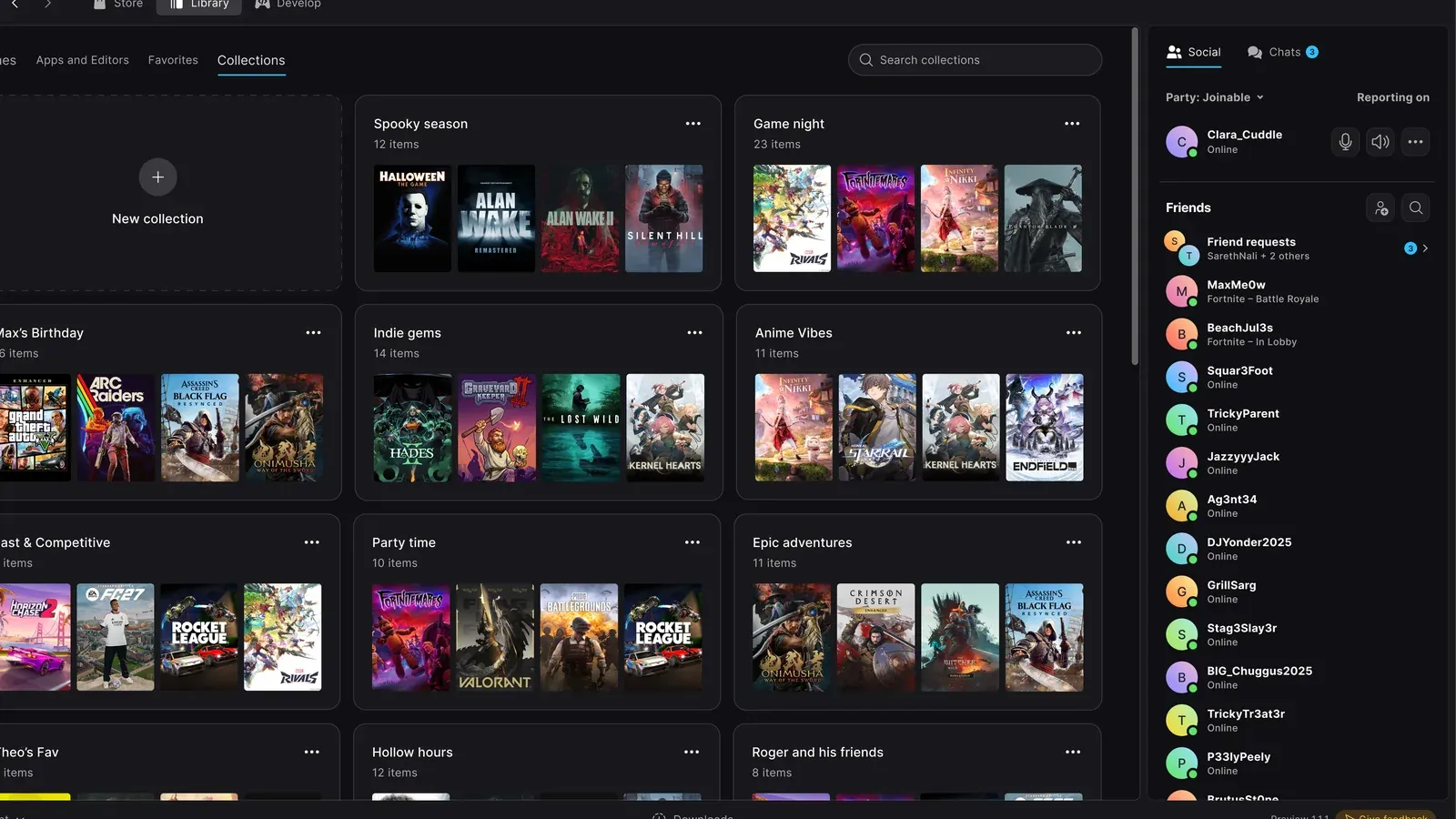
Image: techtroduce.com
Epic restores the wider Linux route, but the hard part is still ahead
Epic’s rebuilt Launcher Preview now officially supports Ubuntu 22.04 LTS or newer, Fedora 43 or newer, and Debian 12 or newer, according to Epic’s updated launcher FAQ as reported by GamingOnLinux and reflected on Epic’s launcher site. The practical change is that the AppImage download is back alongside the .deb package, giving Fedora users an official install path and giving Linux players a broader route into Epic’s new native client.
That is the strongest concrete development here: Epic Games Launcher Linux support is no longer presented only around Debian-style packaging. GamingOnLinux reports that the Preview is now on version 0.120.0 and that Epic restored the AppImage after an earlier shift to a .deb download for Debian and Ubuntu. Techtroduce likewise reports that Fedora 43 or newer is now part of the officially supported list, with Ubuntu and Debian handled through the .deb package and Fedora through the AppImage.
The tension is built into Epic’s own wording. The launcher runs natively on Linux, but Epic’s FAQ warns that many games are Windows-only builds and may need a compatibility layer. Epic tells players to check each game’s Linux compatibility before installing. In other words, this is official launcher compatibility, not a blanket promise that an Epic library suddenly behaves like a native Linux catalog.
What Epic now says is supported
The supported distribution list is specific. Epic lists Ubuntu 22.04 LTS or newer, Fedora 43 or newer, and Debian 12 or newer for the Linux Preview. NeoTeo reports the same distribution targets from Epic’s Linux launcher page, and TheClick also lists those three versions as the current official distro floor for the Preview.
The installation methods are split by distribution family. Epic’s FAQ says Ubuntu and Debian users can install the .deb package, while Fedora users should use the AppImage. Epic’s public launcher page currently presents the new Preview as available for Windows, macOS, and Linux, with a Linux AppImage download and a .deb option under other builds. The page describes the Preview as a rebuilt launcher, open for feedback, with a stable release positioned as a later stage.
Epic also leaves a clear boundary around unsupported systems. The updated FAQ says other Linux distributions may work, but are not officially tested or supported. That distinction matters for players on rolling or enthusiast distributions because an AppImage can often run widely, but official support determines where bug reports, QA priorities, and support expectations are anchored.
NeoTeo also reports Epic’s listed Linux launcher minimums: a 64-bit x86-64 dual-core processor at 2 GHz or faster, 4 GB of RAM, and 2 GB of available storage. Those are launcher requirements, not game requirements. A system can meet the launcher baseline and still fail to run a particular game cleanly if the game has no Linux build or has compatibility issues.
Version 0.120.0 is about making the Preview feel like a launcher, not a test shell
The Fedora support headline lands alongside a practical launcher update. GamingOnLinux cites Epic’s 0.120.0 release notes, which add installation and maintenance features that sound mundane until they are missing from a daily PC gaming client.
According to the reported notes, a downloaded launcher update can now install when the computer is idle. Completed items in Downloads now have an Uninstall option in their menu. When uninstalling the launcher, users can choose what gets deleted, with file sizes and progress shown. Players can also change the folder directory where a game’s files are located.
The bug fixes point to the same theme. GamingOnLinux reports that Epic fixed a case where a game could remain in a failed state in Downloads after an incomplete repair, and another case where Downloads sometimes showed no progress while checking files before starting. These are not headline features in the way a new store tab or social system would be, but they are the kind of reliability work that determines whether players trust a launcher with a large library.
TheClick’s earlier Linux coverage adds useful context for the cadence. It reports that the Linux Preview launched on October 14, 2026, and that Epic had been releasing fixes almost daily around the time of version 0.106.0. That October 29 build addressed a locked Linux system keyring issue that could prevent startup or unexpectedly sign users out, and it also fixed a Linux chat-notification setting. The pattern is clear from the cited updates: Epic is still filling in operating-system-specific behavior, not simply repainting an old client.
Where Epic still trails Steam in the Linux conversation
The comparison with Steam should be kept precise. The sources here do not show Epic matching Steam’s broader Linux game-compatibility position. They show Epic delivering a native launcher, adding officially tested distributions, and warning that individual games remain a separate question.
GamingOnLinux frames Valve as having done a large amount to get Linux gaming to its current state, then argues that direct support from more stores is essential. That framing captures the gap Epic is trying to narrow. For a Linux player, the launcher is the front door, but the value of the store depends on what happens after clicking Install.
Epic’s own FAQ keeps that separation visible. Many games are Windows-only builds, Epic says, and may need a compatibility layer. The company recommends checking each game’s Linux compatibility before installing. TheClick makes the same distinction in its guide: the distribution list covers the Epic Games Launcher Linux application, not every game in a user’s account, and anti-cheat or Windows-only builds may still stop a game from being playable.
That is the central shortfall compared with the Steam-shaped expectation many PC players bring to Linux. Epic has moved from indirect workarounds toward official launcher access, but the confirmed information stops short of a storewide compatibility program, a clear per-title verification layer, or a guarantee that the player’s existing Epic library will be usable on Linux. The useful answer for now is narrower: if you are on Epic Games Launcher Fedora, Epic Games Launcher Ubuntu, or Epic Games Launcher Debian paths that match the listed versions, the launcher itself is now within the official support perimeter.
The store strategy is bigger than Fedora
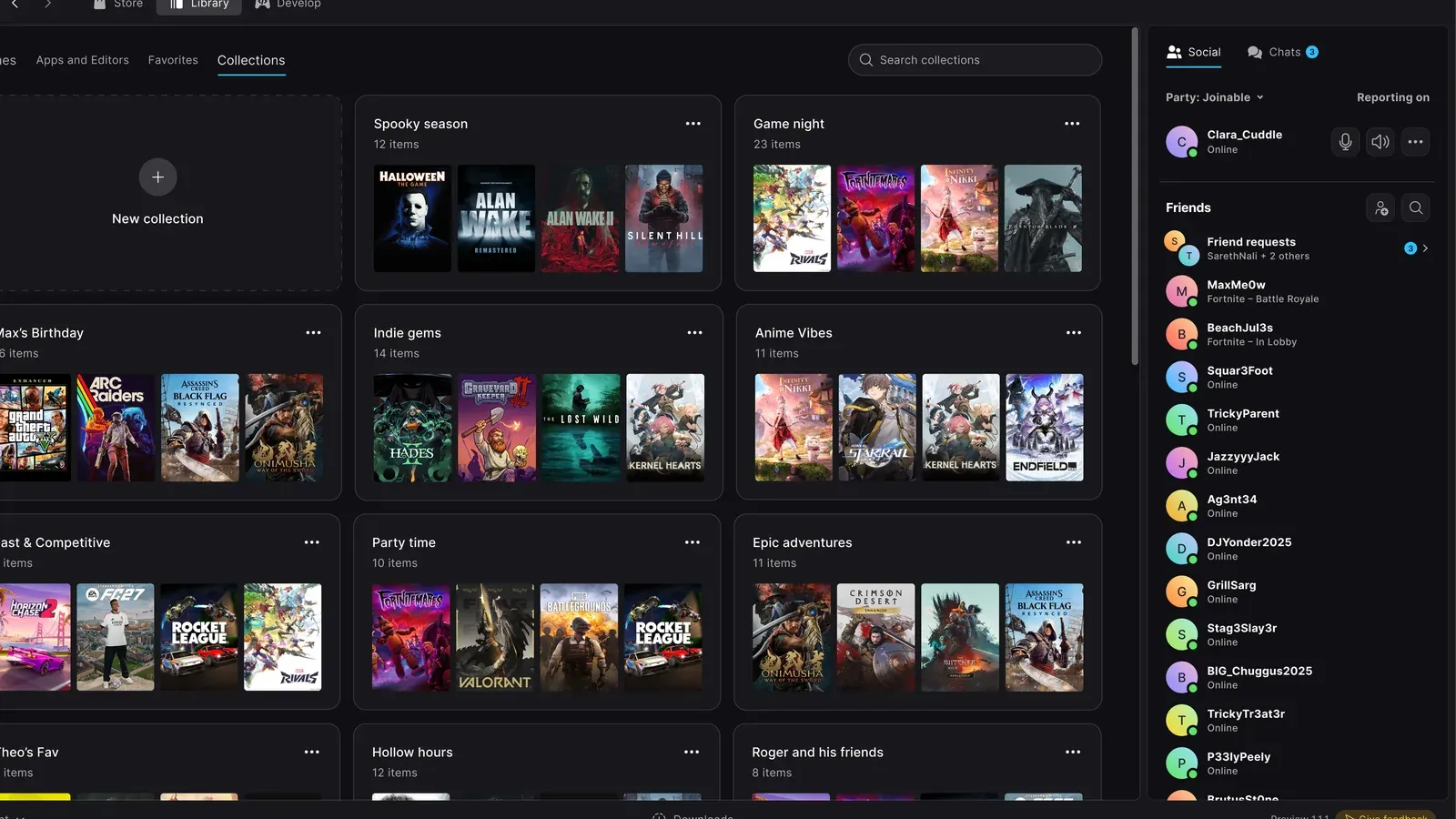
Official Linux support changes Epic’s PC strategy because it reduces friction at the account and library level. Epic’s public launcher page pitches the new client as a faster, clearer foundation built around games, with Store, Library, and Develop in one frame. It also advertises faster startup, quicker switching between Store, Library, and Develop, recent games from anywhere in the launcher, integrated social features, customizable top-bar layouts, game pages, download tracking, and a library Epic describes as 30 times faster.
Those claims are about the new launcher as a platform surface, not only a Linux port. If Epic wants players to treat its store as part of their regular PC setup, the launcher has to work where those players are choosing to play. Linux remains a smaller PC segment than Windows, but it is strategically loud: users scrutinize packaging, compatibility, update behavior, and whether a store treats their operating system as a first-class target or an afterthought.
The timing also suggests Epic is thinking beyond a single distro checklist. NeoTeo cites a November 6 report from GamingOnLinux in which Epic communications director Jake Jones described plans to support as many Linux distributions as possible, naming SteamOS, Cachy, and Omarchy among targets while Epic evaluated packaging formats. NeoTeo correctly separates that from the current official list: Ubuntu, Fedora, and Debian are confirmed; broader support remains a reported plan unless Epic publishes it.
HappyGamer reports that Epic announced a launcher upgrade on November 20 and said players’ existing games are not going anywhere. Taken alongside Epic’s own Preview messaging, the pitch is continuity plus modernization: keep the account and library, move users onto a faster launcher foundation, and widen platform coverage without making the Linux build a separate unofficial project.
Practical guidance for Linux players trying the Preview
If you are on Ubuntu 22.04 LTS or newer or Debian 12 or newer, Epic’s documented route is the .deb package. If you are on Fedora 43 or newer, Epic’s documented route is the AppImage. If you use another distribution, Epic says it may work, but it is not officially tested or supported. That is the line to remember before troubleshooting an edge-case setup.
TheClick notes that AppImage users may need to mark the downloaded file as executable through their file manager or distribution’s standard procedure before opening it. Once installed, users can sign into an existing Epic account and browse their library through the native Linux client rather than running the Windows launcher through Wine. Epic’s launcher page also asks Preview users to try it and share feedback, and the FAQ specifically points users toward the Send feedback button for issue reports.
Players should check two compatibility layers before treating this as a full migration. First, confirm the launcher supports the distribution version you are running. Second, check the specific game. Epic says many games are Windows-only and may need a compatibility layer, and the sources do not establish a universal Epic-side solution for that. If your main Epic games rely on anti-cheat, Windows-only builds, or launch-time dependencies, the official Linux launcher may make account access cleaner without making those games playable.
For players with large Epic libraries, the sensible move is to treat the Preview as a test install rather than a replacement for a working setup. Version 0.120.0 adds meaningful file-management and download fixes, but the product is still labeled Preview by Epic. For Epic, the strategic gain is clear: official Epic Games Store Linux support makes the store harder to dismiss for Linux-first PC players. For players, the gain is real but conditional: the launcher door is opening wider, while game compatibility still has to be checked one title at a time.